Permissions
Assigning requests to an accountable owner
Set clear rules for request routing, named responsibility, reassignment and cover when an owner is unavailable.

Desk
Looks at access control, platform costs and the risks of depending on no-code vendors.
Permissions
Set clear rules for request routing, named responsibility, reassignment and cover when an owner is unavailable.
Platform Choice
Check records, attachments, relationships and app logic before choosing a no-code platform. See what common export routes leave behind.
Platform Choice
Build a plan-specific register for records, queries, requests, workload and data delivery before inviting more users.
Platform Choice
Use clear consequences, ownership, a small release and a recovery route to choose a sensible first no-code project.
Permissions
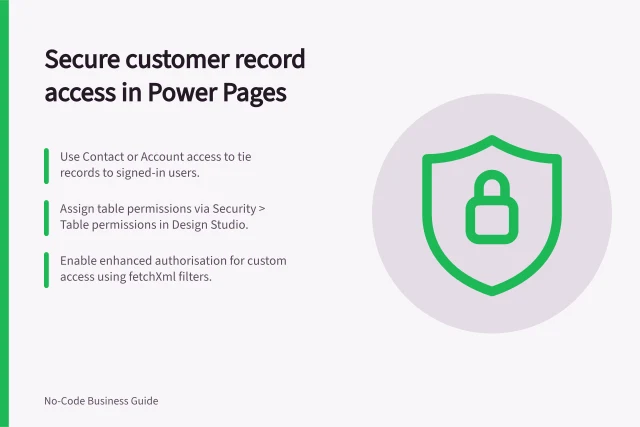
Choosing what a customer should be able to see: a practical guide to the key decisions and checks.
Maintenance
Choose which record changes to track, capture who changed what and why, and check the limits of native revision and audit history.
Maintenance
Build a useful register of internal no-code apps, reconcile it with builder inventories and turn gaps into owner decisions.
Permissions
Map app tasks to API permissions, distinguish user and unattended access, protect credentials and check that excess actions are denied.
Integrations
Choose between imports, one-way feeds and API actions for a no-code app, then plan data ownership, access and failure handling.
Permissions
Plan who can open a no-code app, see records, change data and maintain it. Map each grant, then check the configured data route.
Maintenance
Plan practical no-code app checks for user tasks, saved data, invalid input, access and layouts before a wider rollout.
Platform Choice
Map no-code app costs across access, data, activity, plugins and maintenance, then assess the dependencies and exit effort behind the bill.
Maintenance
Set practical ownership, data, production review and retirement rules for internally built no-code apps.
Platform Choice
Choose a no-code platform by checking workflow fit, data sources, user access, portability and the plan needed to run your app.
Maintenance
Establish app ownership, data access and connection continuity when a no-code app creator leaves.
Maintenance
Define what must work after a move, inventory data and app logic, inspect export limits, and rehearse a controlled cutover.
Permissions
Cross-customer access is a portal failure even if it occurs only through a guessed address or export.
Maintenance
Write useful no-code app defect reports with starting conditions, exact steps, expected and actual results, safe evidence and verification.
Permissions
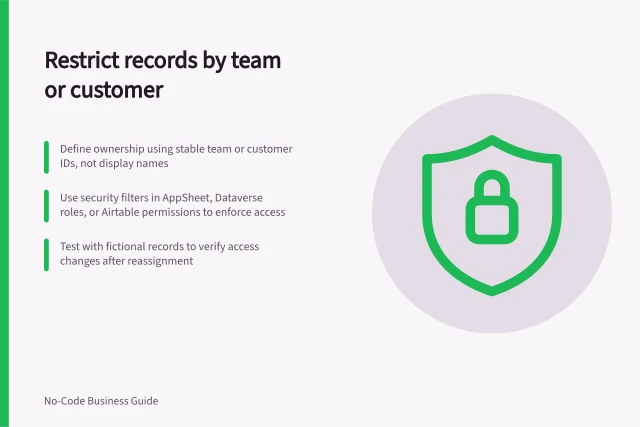
Define team or customer record ownership, choose an enforcement point and check access after reassignment.
Maintenance
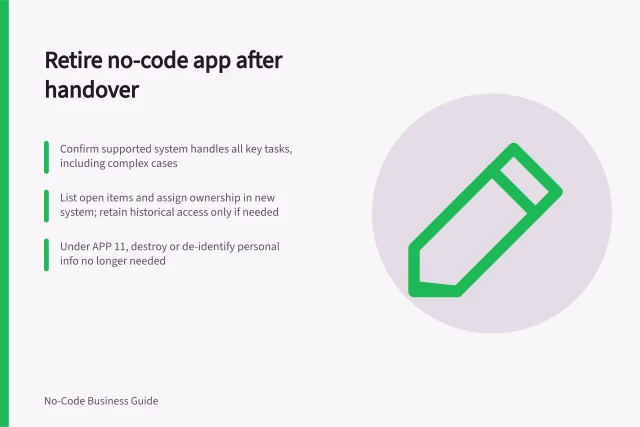
Compare real tasks, move open work and required history, cut over new submissions and retire a duplicate no-code app.
Permissions
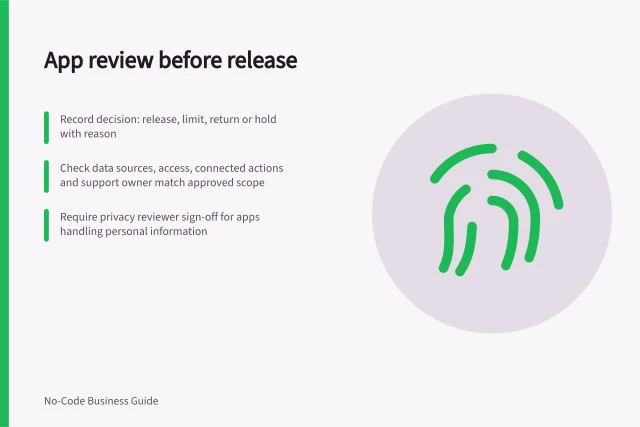
Use a release brief, evidence table and decision record to review staff-built apps before colleagues rely on them.
Integrations
Inventory paid plugins, trace the tasks that use them, check billing and support, and plan a safe response to an update or failure.
Permissions
Define what viewers, editors and administrators may do in a no-code app, then match those duties to app and data-source permissions.
Permissions
Check permitted and denied actions using an ordinary no-code app account, fictional records and the actual data route.
Permissions
Closing a customer account should end the access it no longer justifies, including old sessions, shared links and downloadable files.