Forms
Adding validation before saving a record
Define form rules, show useful errors and check which save paths enforce validation in a no-code app.

Section
Forms
Define form rules, show useful errors and check which save paths enforce validation in a no-code app.
Forms
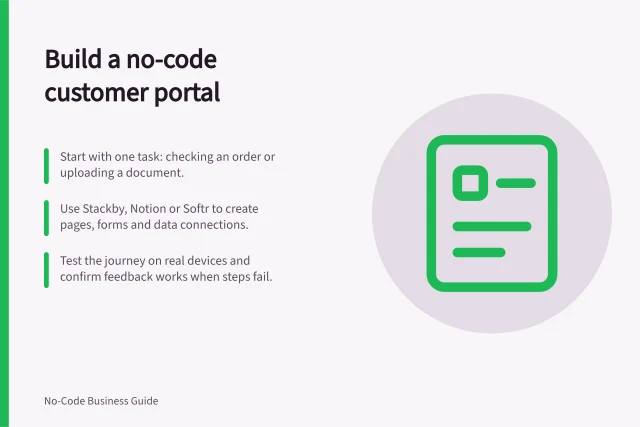
A customer portal gives a customer a controlled view of their own information and a place to complete a specific task.
Forms
Check real tasks across narrow and wide no-code app layouts, including zoom, errors, device previews and saved results.
Forms
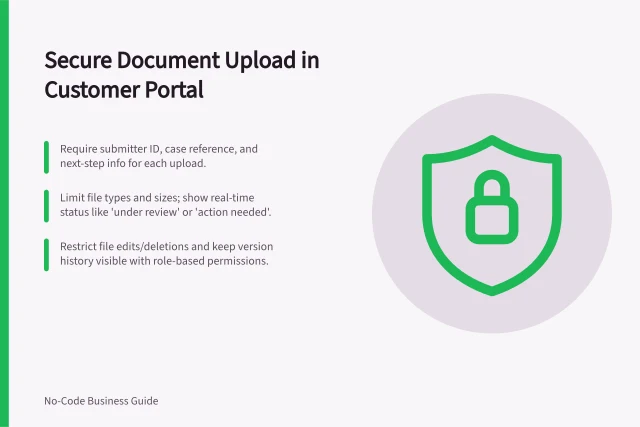
A document upload in a customer portal should identify who submitted the file, which case it belongs to and what happens next.
Forms
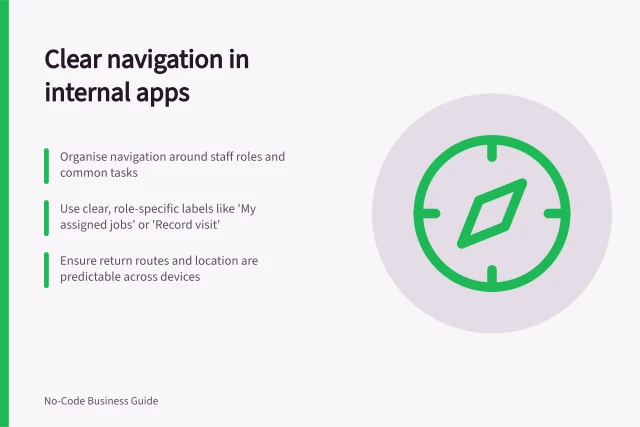
Organise an internal app around frequent tasks, clear destinations and predictable routes after record actions.
Forms
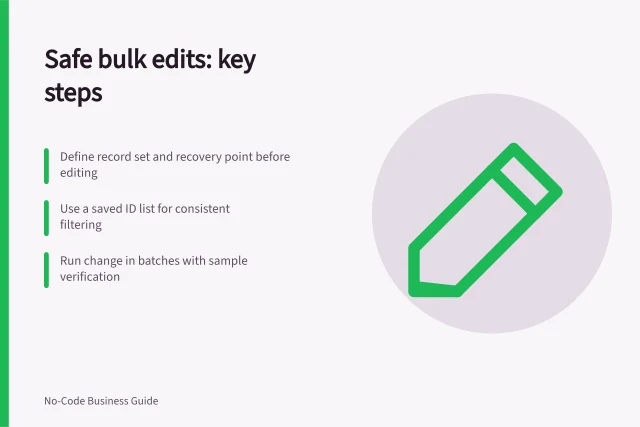
Plan the selection, prepare recovery, test a sample and verify every bulk edit against the expected records and values.
Forms
Write practical user scenarios with roles, starting conditions and expected outcomes so a no-code app can be checked before rollout.
Forms
Create a short task brief covering users, permissions, records, exceptions and a result to check before choosing a builder.
Forms
Choose form fields, order and instructions from what a user knows and needs to finish at the moment of entry.
Forms
Choose request categories that help triage, ask submitters for facts they can know and provide a route for cases that do not fit.
Forms
Show users whether an integrated action succeeded, failed or remains uncertain, while preserving work and giving a safe next step.
Forms
Plan no-code forms, record views and navigation around entry, clear feedback and the next action.
Forms
Give request submitters a clear status and next action while distinguishing current, queued and uncertain updates.
Forms
Check how a no-code app handles blanks, invalid values, error messages and saved records across the write routes people use.