Forms
Part of No-code app integrations
Handling a failed integration in the user interface
Show users whether an integrated action succeeded, failed or remains uncertain, while preserving work and giving a safe next step.
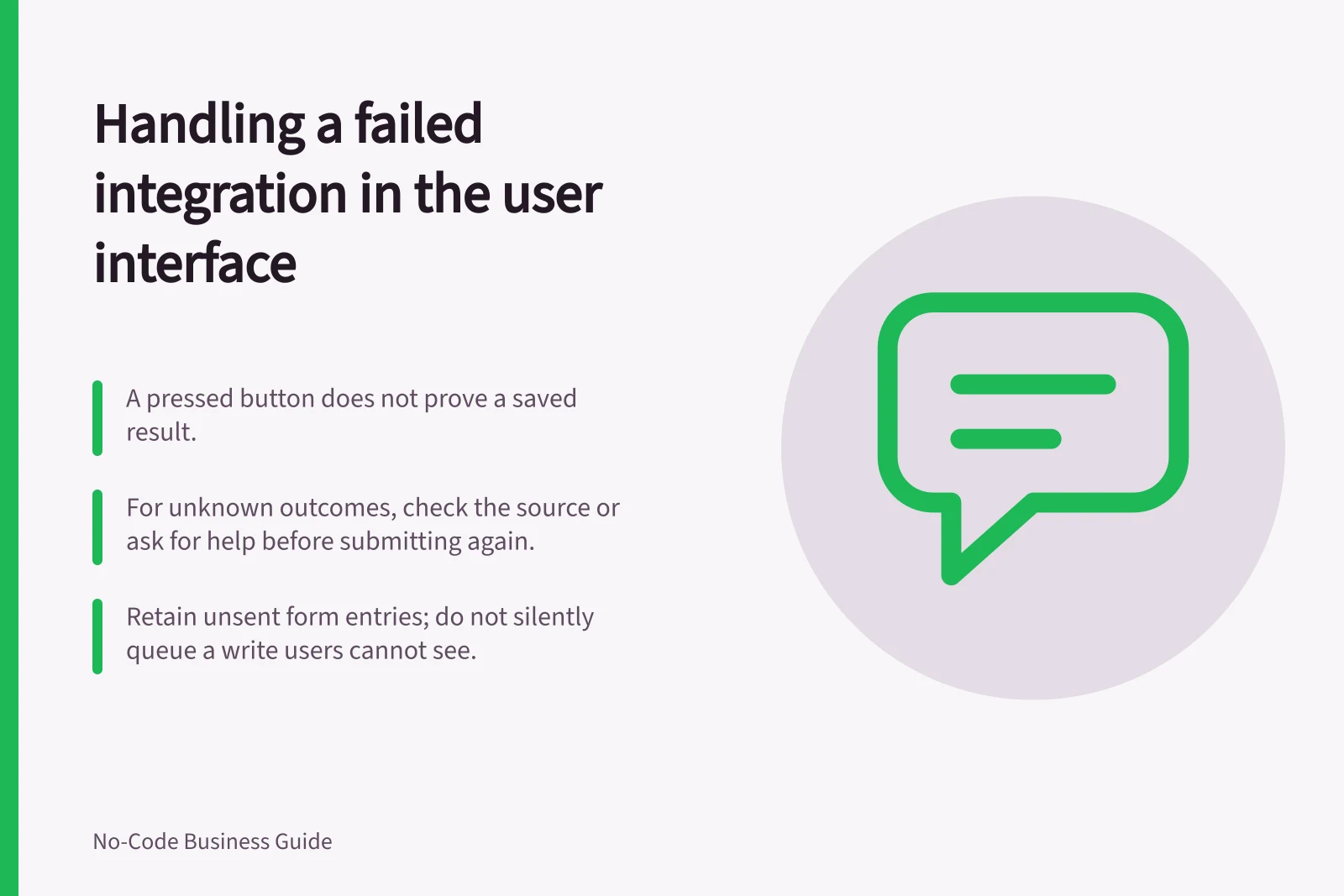
When a connected action fails, tell the user what is known and what they can safely do next. A pressed button does not prove a saved result. A timeout, lost response or workflow error may leave the outcome uncertain; even an error after several steps may follow a change already made in the source system.
Show the right outcome
| State | Message the user needs | Next action |
|---|---|---|
| Confirmed success | What completed, with a reference if available | Continue |
| Confirmed failure | What did not complete and whether entered details remain | Correct the input or seek help |
| Outcome unknown | Confirmation is missing | Check the source or ask for help before submitting again |
Use language tied to the task. “We couldn't confirm your request. Your entries are still here” is more useful than a raw error code when the outcome is unknown.
If the source rejects an invalid field before taking the action, identify what the user can correct. Show “failed” only when the relevant action is known not to have completed.
Outcome states and safe next actions
- Confirmed successTell the user what completed, with a reference if available. Next action: continue.
- Confirmed failureTell the user what did not complete and whether entered details remain. Next action: correct the input or seek help.
- Outcome unknownTell the user confirmation is missing. Next action: check the source or ask for help before submitting again.
Keep work and diagnosis separate
Where the app permits it, retain unsent form entries. Do not silently queue a write unless users can see what is pending and the owner has a way to prevent duplicate submissions.
Keep a request reference that staff can use to check the source system.
The owner may need the time, operation, safe record identifier and response category. The user usually needs less detail.
Keep credentials, sensitive request bodies and administrator-only responses out of the screen and routine diagnostics.
Power Fx offers IfError to handle an error; Microsoft documents that a second chained Patch can still be attempted after the first fails unless the formula controls the flow. An errored run alone does not prove that no earlier step took effect.
Give the user a safe route forward
A validation rejection may call for correction. An expired connection needs attention before the action can proceed.
If the result cannot be established, give the user a support route instead of an unqualified retry instruction.
Before release, use fictional records to check a rejected field, denied access, disconnected connection and timeout where these cases can be simulated safely. Compare the message, retained input and source-system state.
This check must be carried out in the actual configured app.
Pre-release failure-state checks
- Use fictional records to check a rejected field
- Use fictional records to check denied access
- Use fictional records to check a disconnected connection
- Use fictional records to check a timeout where it can be simulated safely
- Compare the message, retained input and source-system state
- Carry out the check in the actual configured app