Maintenance
No-code app testing
Plan practical no-code app checks for user tasks, saved data, invalid input, access and layouts before a wider rollout.
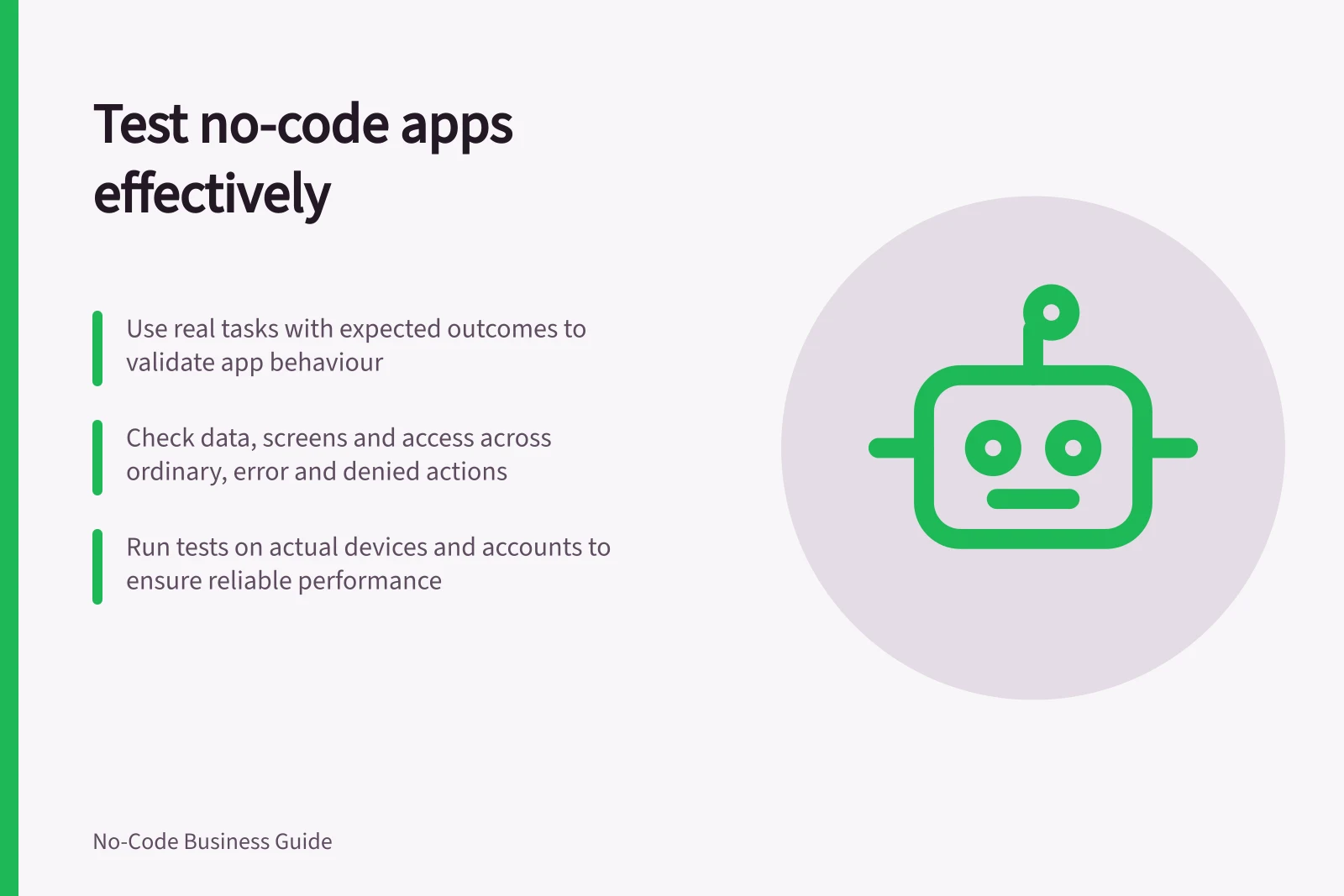
Test a no-code app by giving intended users realistic tasks, stating the expected result of each task, and checking both the screen and the saved data. Cover the ordinary path, likely mistakes and an action the app must refuse. A builder preview helps find faults, but a rollout decision also needs checks with the accounts and devices people will use.
Define what the app must prove
For each essential task, record the app version, user role, starting record and expected outcome. In a hypothetical equipment request app, a staff member submits a request, a coordinator assigns it, and the staff member sees the confirmed status. Each step needs an observable result: for example, the coordinator can find the saved request by its ID.
Prioritise paths that could leave someone with a wrong record, an unexplained decision or no way to finish their work. Include a correction. If an alert goes out or another system changes, check that result separately from the form submission. A success message should match what has actually been confirmed.
Prepare cases and safe data
Use fictional people and records in an approved setting. Prepare an ordinary request, one with missing information, one needing correction and one the user should not be able to reach. Record the starting state so a tester can identify the row that should change. Check whether the test environment is isolated.
Keep case notes concise enough to identify what was checked and whether it passed, failed or was not run. A check blocked by a missing account, connection or plan entitlement remains not run.
Follow the whole task
Ask an intended user to attempt the task without coaching. Observe where they hesitate, then inspect the record. Can the next person find it? Did a correction update the intended record?
Does the requester see a status consistent with the stored state? If a save's outcome is uncertain, the user needs a way to check before submitting again.
Repeat essential paths with an ordinary account. A maker's account may have broader permissions.
Check a permitted action and a denied one where access matters; a missing menu item alone does not prove a record is inaccessible. Record the route and result. Detailed access-rule design and permission testing belong to the site's permissions coverage.
Check inputs and layouts
For important fields, try a valid value, a blank where information is required and a value outside the agreed rule. Compare the feedback with the saved record. Web-form client-side validation can be bypassed, so a rule that must govern every write needs an appropriate check at the receiving side and through other permitted routes. The companion input-testing article covers the cases and product-specific limits.
Check that essential tasks remain usable on the screens staff use. Detailed screen-size and device layout checks are covered in the companion article.
Testing Valid vs Invalid Inputs in No-Code Apps
- Valid Input
- Expected: Record saved correctly (e.g., valid ABN format)
- Blank Required Field
- Expected: Error message shown, no save attempted
- Invalid Value (e.g., out of range)
- Expected: Validation feedback; server-side check prevents invalid write
Make repeatable checks useful
For a canvas app, Power Apps Test Studio lets a creator or co-owner write test steps using Power Apps expressions or record interactions to generate them. Group related cases into test suites so a set of checks can be run together.
Play recorded or written tests in Test Studio, or run them in a web browser. Stable checks can also be incorporated into the app deployment process, where supported, to help verify expected behaviour as changes are released.
Key Testing Metrics for No-Code App Rollout in Australia
- Test Suites Created
- 5+
- Devices Tested (Common in Australia)
- iOS & Android smartphones, tablets
- User Roles Covered
- Staff, Coordinator, Admin
Record failures and decide what blocks rollout
For a failed check, record enough information for the issue to be understood and reproduced. Assign the defect for correction and repeat the focused check afterwards; detailed defect-reporting guidance is covered separately.
Review essential paths and unresolved defects with the business owner before wider use. Hold or narrow the rollout when a required task fails, a protected record is reachable, a write leaves a misleading result, or an essential check could not be run.
State the scope that was actually checked, along with any important limitations, so the business owner can make an informed rollout decision.
In this guide
- Creating user scenarios before an app rolloutWrite practical user scenarios with roles, starting conditions and expected outcomes so a no-code app can be checked before rollout.
- Testing invalid input and missing informationCheck how a no-code app handles blanks, invalid values, error messages and saved records across the write routes people use.
- Checking mobile and desktop layoutsCheck real tasks across narrow and wide no-code app layouts, including zoom, errors, device previews and saved results.
- Recording defects with reproducible stepsWrite useful no-code app defect reports with starting conditions, exact steps, expected and actual results, safe evidence and verification.