Maintenance
Part of No-code governance
Keeping an inventory of internal no-code apps
Build a useful register of internal no-code apps, reconcile it with builder inventories and turn gaps into owner decisions.
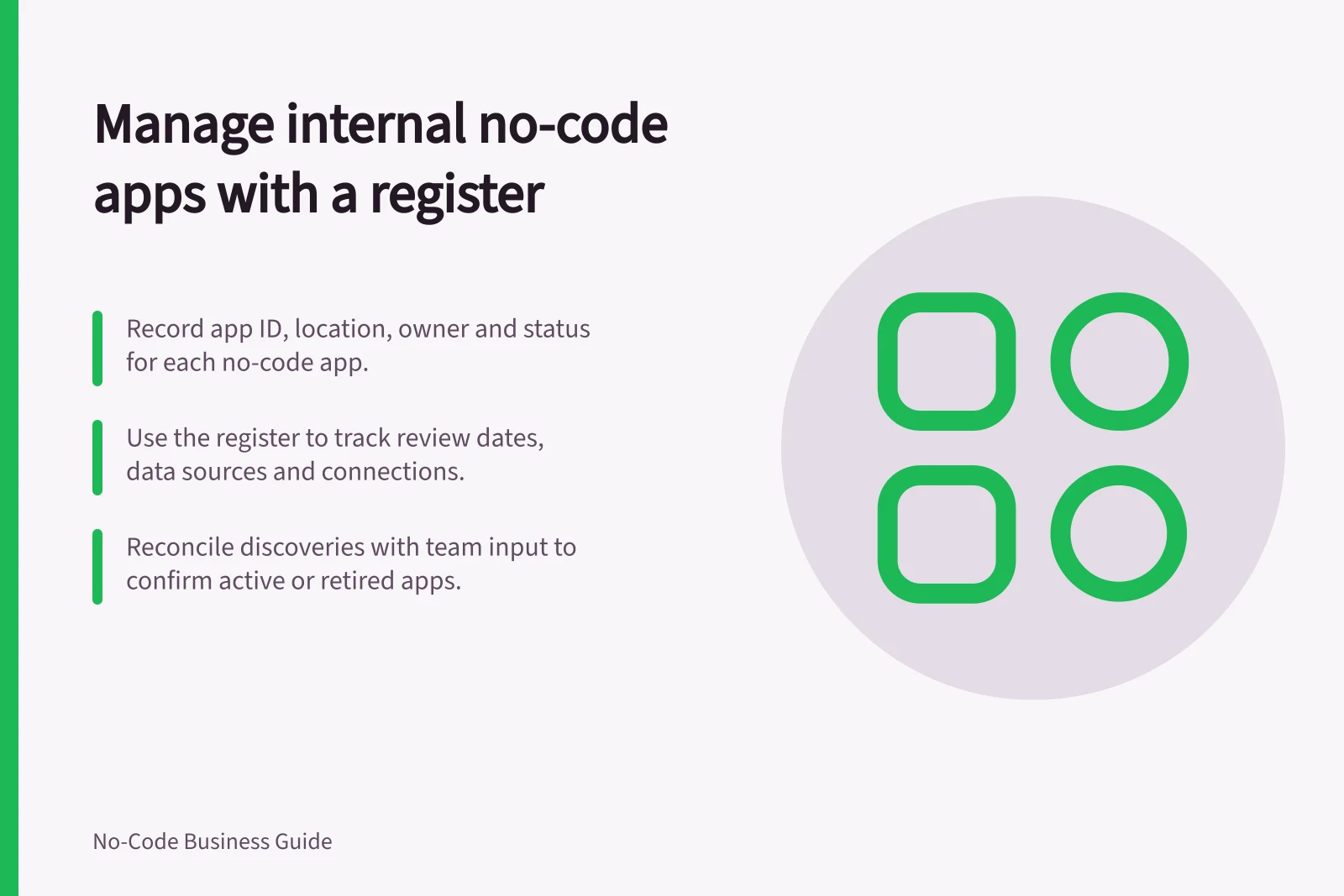
Keep a register that lets an authorised person find each internal no-code app, identify who is responsible for it and see what needs review. Start with the details needed to locate a live app and contact its owner. Add a field only when it helps a review, incident or retirement decision.
Record the app and its owners
Give each entry a stable app identifier and its builder location or workspace. Names can change, and different teams can use the same name. Record the task, users, business owner, technical maintainer, current status, date last confirmed and next review date.
For a live app, include its main data sources, connected services and the system that owns its important records. Use the organisation's approved categories to indicate whether it handles personal or other restricted information. Point to the relevant access or data decision rather than copying personal records, passwords or every configuration setting into the register.
| Field | Decision it supports |
|---|---|
| App ID and location | Find the exact resource after a name change. |
| Task and users | Confirm that the app still has a distinct purpose. |
| Business owner and maintainer | Route a business question or fault to someone who can act. |
| Data sources and connections | Identify changes that need review. |
| Status and review date | Find live, unowned and retirement candidates. |
These are suggested register fields. They are not a schema supplied by every builder.
Reconcile discovery with business use
Ask makers and team leads to declare apps used for business work. Compare their answers with administrator views available in each approved builder. Power Platform inventory, for example, gives tenant administrators a unified view of supported agents, apps and flows across that platform. It does not find apps in unrelated services.
Treat discovered resources as candidates to confirm with the relevant team. A resource count cannot show whether a rarely opened app supports an important monthly task. Power Platform's managed-environment usage digest can flag apps not launched recently when its analytics and environment requirements are met; the owner still needs to decide what that signal means.
If an app has no current owner, assign someone to assess it. Check suspected duplicates by task and record source: similar names may serve different groups, while differently named apps may update the same business facts. Keep both entries until their status is resolved.
Key metrics from Power Platform managed-environment usage insights
- Apps not launched recently
- Flagged when environment analytics are enabled and usage thresholds met.
- Total managed environments
- Available to tenant administrators via Power Platform admin center.
- Apps across supported agents
- Unified view provided by Power Platform inventory tool.
Use the register as a review queue
Find live apps with missing owners, unconfirmed data sources, overdue reviews or an announced replacement. Give each exception a person and next date. Record whether the entry was confirmed, corrected, placed under review or scheduled for retirement.
Update an entry when the app gains a new audience, data source or connection, changes owner, or stops accepting new work. Reconcile the register as often as the number and importance of apps warrant. Retain retired entries for the period set by the organisation's records policy so earlier work can still be traced.
The register is useful when a new maintainer can locate an app, explain its approved purpose and identify its next decision. An inventory entry alone does not establish that the app's configuration is safe.