Maintenance
No-code governance
Set practical ownership, data, production review and retirement rules for internally built no-code apps.
No-code governance gives an organisation a way to decide which internally built apps may be used, who is responsible for them and when they should change or retire. For each app, keep a clear owner, approved data boundary, release decision and review date.
Give governance a continuing home
An organisation may use a Centre of Excellence (CoE) as a central team or function to oversee administration, governance and adoption. It can help makers follow consistent practices, learn shared guidance and find examples of successful work.
Set objectives for this function and connect them to measurable results and practical initiatives. Useful priorities include consistent governance patterns, documented policies, and clearly assigned responsibilities that are communicated to the people involved.
Make the rules easy to find and understand. A shared communication space can hold the organisation’s rules of engagement and guidance, giving makers and owners a common reference when an app’s purpose or use changes.
Set rules according to consequence
Start with the work an app affects. A private prototype using fictional records calls for a different review from an app that holds customer information or changes an operational system. Classify an app by its data and the consequences of an error, then state what evidence it needs before wider use.
| Question | Decision to record |
|---|---|
| What does it do? | Name the task, users and business owner. |
| What information may it handle? | Identify approved sources, fields, destinations and retention needs. |
| What may it change? | Name the system that owns each important record or action. |
| Who can use and maintain it? | Distinguish record access from permission to edit the app and its connections. |
| When may it go live? | Name the reviewer, accepted scope and unresolved conditions. |
| When should it be reviewed or retired? | Set a review date and an owner for the decision. |
These are proposed governance questions, not a universal risk rating. A small app can still warrant close review if an exposed record, wrong decision or failed connection would have serious consequences.
Make ownership and discovery visible
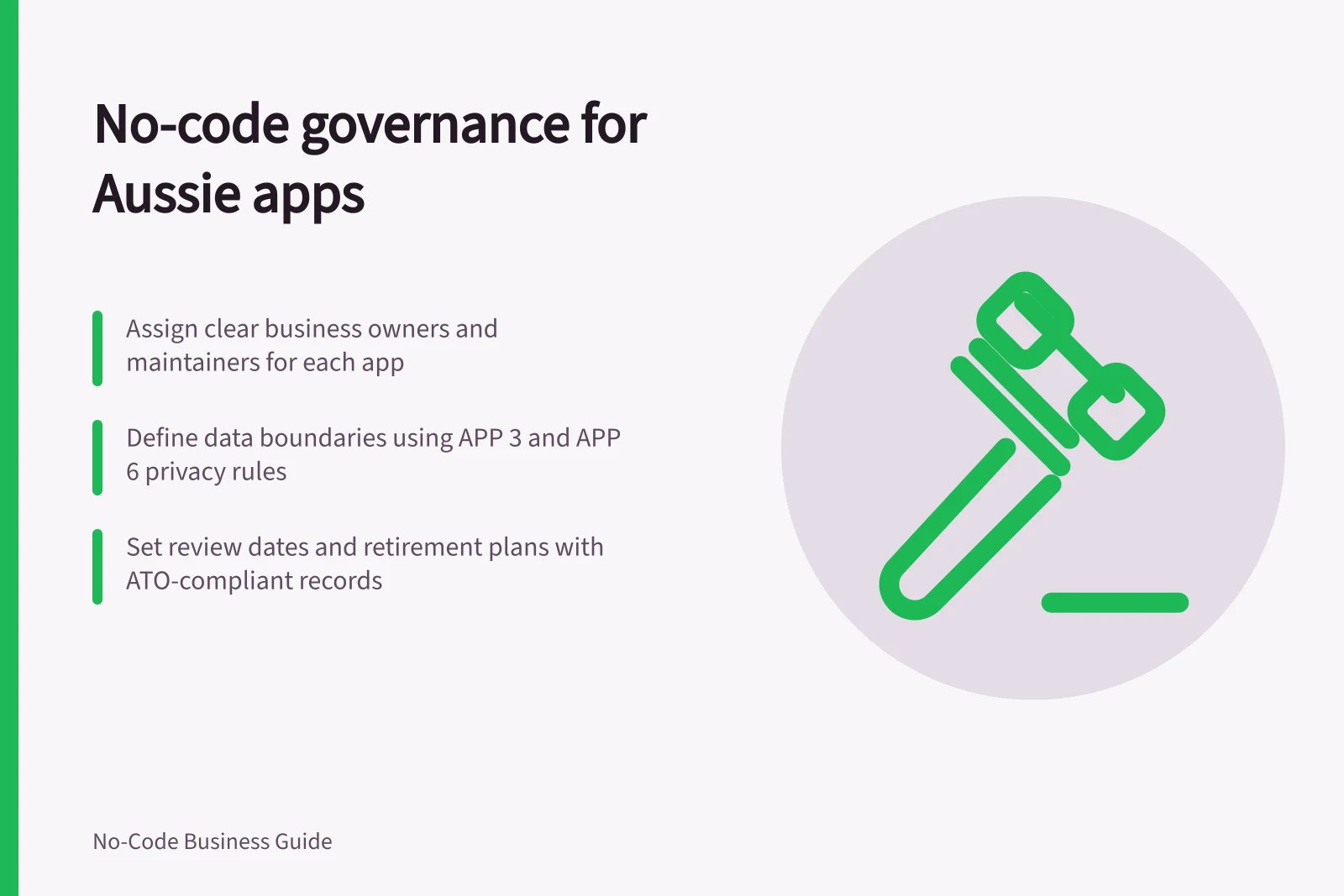
Name a business owner who can settle workflow and field meanings, and a maintainer who can inspect configuration, sharing and connections. Record a successor or escalation route so responsibility does not disappear when the maker leaves.
Keep a central register with the app's identifier, location, purpose, status, owners, main data sources, connected services and next review date. Compare it with declarations from teams and the administrator views of approved builders.
Power Platform inventory, for example, gives tenant administrators a unified view of resources built on that platform. A technical resource list also needs business context from the people who use the app.
For Power Platform resources, the inventory can support more than locating apps: administrators can search, filter and sort resources, map connector use, and identify resources owned by departing users for ownership transfer. Created, updated or deleted resources appear in the inventory within 15 minutes.
Use these views to focus governance effort, such as identifying resources in non-approved regions or environments with many resources. They help direct follow-up, but do not replace a business owner’s judgement about purpose, acceptable use or continued need.
Power Platform Inventory Features and Benefits
- Real-time updates
- Resources appear within 15 minutes of creation/deletion
- Centralised discovery
- Search, filter and sort apps by location, status, owner
- Connector mapping
- Visualise use of connectors across resources
- Ownership tracking
- Identify apps owned by departing users for transfer
Approve the data boundary
State which information the app may read, change or send, for which task and audience. An allowed connector does not itself approve every field sent through it. Review the data source, connected account, destination and user access for the particular app.
A proposed disclosure to an overseas recipient also needs an APP 8 assessment. Record what is allowed, what is excluded and which change would require another decision. The field and flow decision belongs in the app's data approval record.
For an organisation covered by the Australian Privacy Principles, APP 3 limits collection of personal information to what is reasonably necessary for the organisation’s functions or activities. Sensitive information has additional requirements: collection must also have the individual’s consent unless an exception applies, and collection must be by lawful and fair means.
APP 6 generally limits use or disclosure to the purpose for which the information was collected. A secondary purpose may be permitted, for example, where the individual consents, would reasonably expect a related use (or, for sensitive information, a directly related use), or an Australian law requires or authorises it.
If personal information is disclosed to an overseas recipient, APP 8 generally requires reasonable steps to help ensure the recipient does not breach the APPs (other than APP 1) in relation to that information. The Australian entity can also be accountable for the recipient’s relevant acts or practices, subject to exceptions.
Decide when an app may enter production
Ask for a brief account of the task, owner, data boundary, intended users, connected actions and support route. Match the review to the app's consequences. An app affecting sensitive records or important decisions may need specialist privacy, security or operational input.
Release evidence should identify the configured version, accounts and safe records used, expected outcomes, observed outcomes and checks that could not be completed. A maker's demonstration alone does not establish how the app behaves for every user or connection. Record a decision to release, release within a narrower scope, return for changes or hold, with a reason and named owner for each open item.
Review use and retire deliberately
At review, confirm that the owner remains available, the data boundary is accurate, connections have owners and the app still serves a distinct task. Usage figures can prompt a review; infrequent use does not prove an app is unnecessary.
If a supported system now does the same work, compare the tasks and records before stopping the app. Decide where new work begins, and how open items and required history will be handled. Set out when old access and connections can be removed. Update the register so the next owner can understand both the app's approved scope and its end state.
Retirement also needs a decision about personal information the organisation holds. Under APP 11, an APP entity must take reasonable steps to destroy or de-identify information it no longer needs for an APP-permitted purpose, unless it is part of a Commonwealth record or must be retained under Australian law or a court or tribunal order.
Record whether information will be retained, destroyed or de-identified, and who is responsible for carrying out that decision. Include the decision in the app’s end state so that removing the app does not leave its information-handling obligations unclear.
In this guide
- Keeping an inventory of internal no-code appsBuild a useful register of internal no-code apps, reconcile it with builder inventories and turn gaps into owner decisions.
- Defining which business data an app may handleSet a field-level data boundary for a no-code app, including sources, permitted actions, destinations and review triggers.
- Reviewing citizen-developed apps before production useUse a release brief, evidence table and decision record to review staff-built apps before colleagues rely on them.
- Retiring a no-code app that duplicates a supported systemCompare real tasks, move open work and required history, cut over new submissions and retire a duplicate no-code app.