Maintenance
No-code deployment and maintenance
Plan no-code app releases, protect live data, check published changes and assign ongoing ownership.
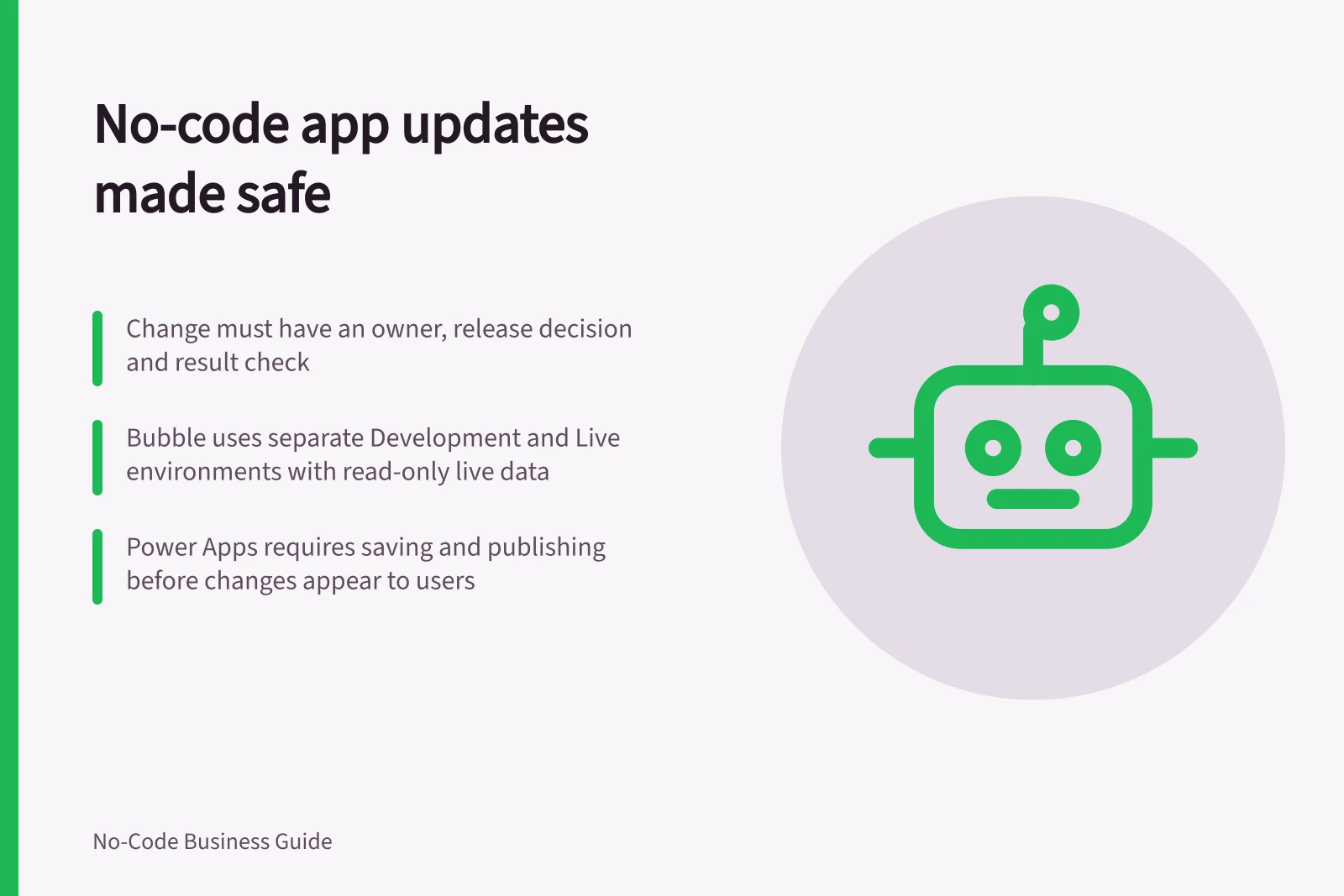
Once people rely on a no-code app, each change needs an owner, a release decision and a result check.
Identify what will change, protect affected records, tell users what they need to know, and assign someone to respond if the live task fails.
Map the change
An update may affect screens, fields, permissions, automations, files or connected systems. Record which parts will change and who depends on them.
A new form field, for example, may also affect an import or report. Treat the app definition and its stored records as separate release parts.
The route to publication depends on the builder. Bubble has separate Development and Live environments with independent databases. The Live branch is read-only; Development branches are editable.
In Power Apps, a changed canvas app must be saved and published before other users see the change. Check the route and entitlement for the app in use.
Coordinate parallel work
Bubble's version control can split work into independent parts, letting editors with project access progress separate updates at the same time.
For larger changes, agree which work streams a release includes and resolve dependencies before deployment, so the release decision covers the intended changes.
Make a release decision
Keep a short record of the change reason, affected users and data, intended version, approver, release time, recovery route and who will inspect the live result.
Before approving, answer: What will users notice? Which existing records could change? How will the team know the release worked?
| Before release | Decision |
|---|---|
| Test setting | Where can checks run without unintended live writes? |
| Data protection | Which records and files need a usable recovery point? |
| Pending work | Must users finish or sync anything first? |
| User notice | What changes in their task, and whom can they contact? |
| Live check | Who will inspect the saved result and respond to a fault? |
No-code app release process
- Test settingWhere can checks run without unintended live writes?
- Data protectionWhich records and files need a usable recovery point?
- Pending workMust users finish or sync anything first?
- User noticeWhat changes in their task, and whom can they contact?
- Live checkWho will inspect the saved result and respond to a fault?
Confirm access and dependencies
For a Power Apps canvas app, release readiness includes confirming who can use, modify or reshare it. Access can be assigned to named users or a security group in Microsoft Entra ID.
The User permission allows use only; a Co-owner can use, edit and share the app, but cannot delete it or change its owners.
Check that permissions fit the work people need to do rather than assuming app access also grants access to its data. Data sources such as Microsoft Dataverse or Excel need their own permissions. Connected flows, gateways or connections may also need to be shared.
Where a canvas app uses Dataverse, available security roles can affect users' access to records.
For example, the App reader role gives read access to user- or team-owned and organisation-owned tables. App user gives full access only to a user's or team's own records in user- or team-owned tables, and read access to organisation-owned tables.
Power Apps user roles and permissions
- User permissionUse only; cannot edit, share, or delete the app
- Co-ownerCan use, edit and share the app, but cannot delete it or change owners
- App reader (Dataverse)Read access to user- or team-owned and organisation-owned tables
- App user (Dataverse)Full access to own user/team records; read access to organisation-owned tables
Observe the published result
Choose a release time when the app owner and owners of connected systems can respond. Account for unfinished entries, especially before changing data columns or sync behaviour.
After publication, use an authorised account and a controlled record to complete the changed task. Inspect the saved record and any connected result, then check one essential task that was meant to stay the same. Record the app version and what was observed.
If a write has an uncertain outcome, inspect the source record before trying it again. Repeating it could create another record or action.
Keep the app supportable
Name a business owner for field meanings and decisions and a maintainer for configuration, access and connections.
Keep an operational note covering where data lives, who can publish, important dependencies, the recovery route and where staff report faults. Update it when an owner, connection or data source changes.
Use the monitoring available in the configured product, then check the business result. Assign someone to investigate discrepancies against the source record.
For a Dataverse-connected canvas app, security roles can be assigned when sharing. If assigned roles need to be changed, the app must be unshared and shared again with the appropriate role under Manage Access.
A release record can note which users or groups were granted access and whether dependent data sources or resources were included. This gives the owner a practical reference when investigating a report that a user can open the app but cannot complete a task.
Key maintenance considerations for no-code apps
- Business owner assigned
- Yes – for field meanings and decisions
- Maintainer assigned
- Yes – for configuration, access, and connections
- Operational note maintained
- Yes – covering data location, publishing rights, dependencies, recovery route
- Monitoring enabled
- Yes – via platform tools and business result checks
In this guide
- Separating a test app from the live versionCheck app copies, data sources and connections so no-code testing does not change live work.
- Publishing a change without surprising usersGive users clear notice, account for pending work and check the live result after a no-code app change.
- Backing up app data before a major updateChoose and verify a recoverable copy of app records, files and configuration before a major no-code update.
- Planning an app handover after its creator leavesEstablish app ownership, data access and connection continuity when a no-code app creator leaves.