Maintenance
Part of No-code performance and scale
Identifying slow pages caused by excessive queries
Trace a slow no-code page, recognise repeated requests and check whether a focused change improves the complete task.
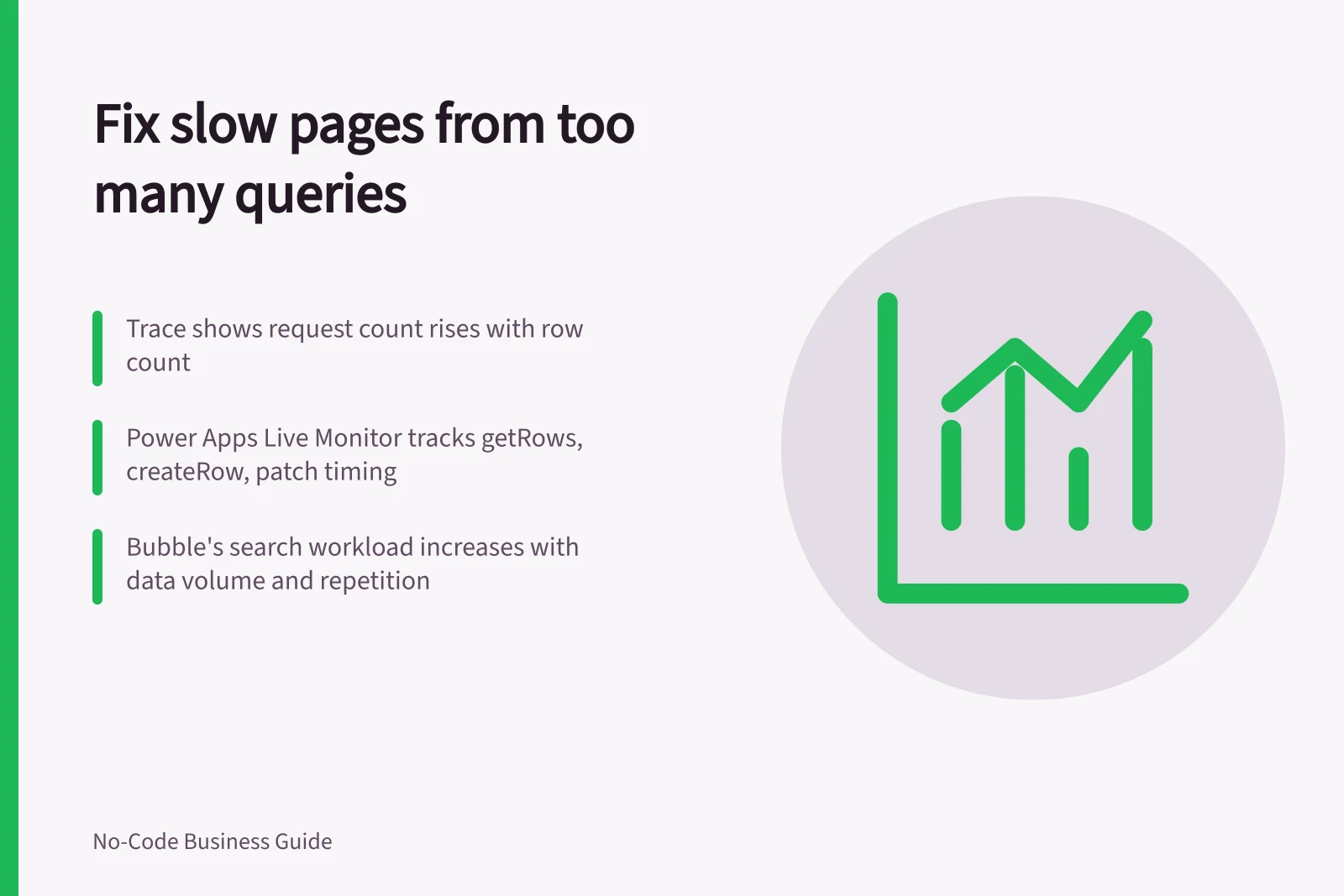
Suspect excessive queries when a page repeatedly requests related data, especially if the request count rises with the number of displayed rows. Confirm that pattern in a trace. A page may instead be waiting on one large query, a calculation, rendering or an external service.
Trace one action
Choose the task that feels slow, such as opening an orders list that shows each customer’s name. Record the app version, account, visible row count and point of delay. Capture the data operations triggered by that action, their source and timing. Compare a short list with a longer one using safe records.
Power Apps Live monitor can show data operations such as getRows, createRow and patch, with the data source, timing and result. Trace records can add context from behaviour formulas. Match those operations to the page action before diagnosing the cause.
Check the builder’s data path
Inspect lists, nested lists and calculated fields that read data. Ask whether each result is needed when the page opens, whether a repeated control requests it for every row and whether an interaction runs it again. Count observed operations rather than expressions in the editor.
Bubble's documentation says searches can consume more workload when they return a high volume of data, are particularly complex or are repeated frequently. Complex expressions can increase server load, and a constraint that contains another search can multiply the number of searches. These factors can sometimes slow the query itself.
AppSheet's performance analyser can monitor app performance. Treat its output as one input when diagnosing a slow page. Inspect the evidence before attributing a slow page to a particular column.
Reduce confirmed excess work
Start with the request pattern the trace exposed. A page may need fewer records on opening, related data fetched in a more suitable form or secondary detail shown only after a record is opened. For a repeated calculation, consider whether it belongs on each row, in a shared result or at the data source. The choice depends on freshness, permissions and the builder’s data path.
Keep the full task correct. A local copy can become stale, and a broader query can expose records outside a user’s permission. In Power Apps, a nondelegable filter can produce a quick but incomplete list as the source grows. Check the formula and connector before adopting it.
Confirm the improvement
Compare request count, elapsed time and the complete task result before and after one change using comparable records and the same account. If a required record disappears, the faster page has not met the task.