Maintenance
Part of No-code performance and scale
Testing an app with realistic record volumes
Prepare representative records, measure essential tasks and check complete results as a no-code app’s data grows.
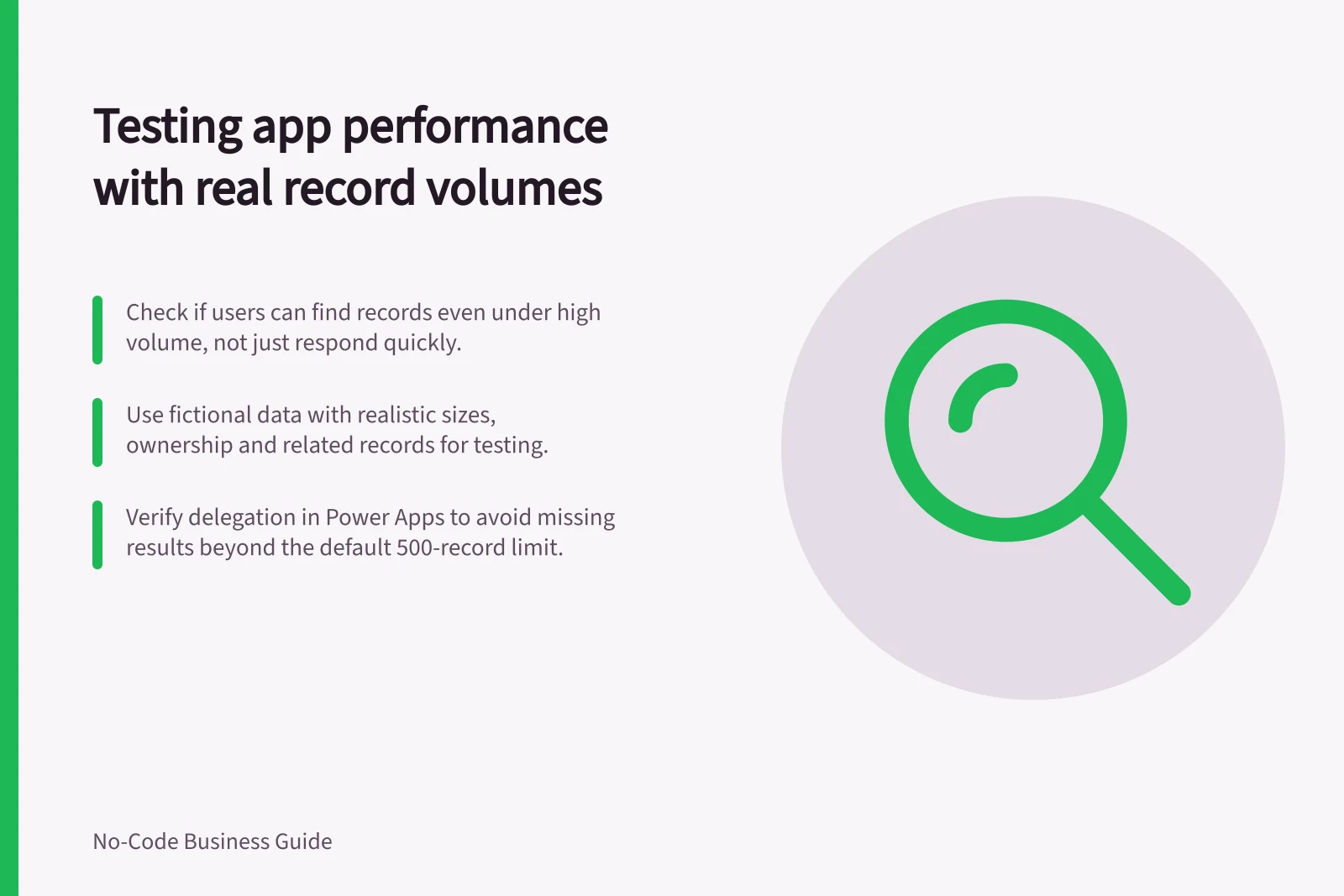
Test an app with records that reflect its intended use, then check whether people can still find the right record and finish the task. A quick response is insufficient if the app omits an eligible result.
Set the volume profile
Ask the data owner how many records each important table is expected to hold at rollout and after normal growth. Note linked records, files and the smaller working set each user should receive. A manager searching every team’s history has a different workload from an employee viewing only their own requests.
Choose a few observable tasks: open the app, load a work list, find a recent and an older record, save a change and confirm a connected result where relevant. Record the expected record ID or saved value before each check.
Prepare representative records
Use fictional data in an approved test setting. Include ordinary and long values, allowed blanks, uneven numbers of related records and examples from the oldest part of the expected history. If files matter, use safe examples with representative sizes. Vary ownership across users so a per-user filter is exercised.
Choose current, plausible later and stress volumes with the owner; they are scenarios, not universal thresholds. Record the actual counts and how the records were produced. Confirm that test writes and automations cannot affect live work before running them.
Observe time and completeness together
Use an account, device and network that reflect the intended task. Record when the user-visible action starts and finishes, whether the expected record appears and whether the write is confirmed. Repeat the task to see whether one unusually quick or slow attempt is misleading. Record sync separately when it accounts for the wait.
If the platform provides performance diagnostics, use them to investigate slow tasks. Verify the results against the records and outcomes expected for the check.
For a Power Apps canvas app, check delegation as well as time. A nondelegable query processes an initial 500 records by default, configurable up to 2,000. Use a known eligible record beyond the locally processed subset, accounting for the query’s ordering. An omitted result means a faster response has not solved the task.
Record the operating range
For each task, keep the tested volume, account, device, observed times, expected outcome, actual outcome and diagnostic note. Mark a case that could not be run as unresolved. State the largest volume at which the essential task was actually checked successfully and the first scenario that failed or exceeded the team’s agreed tolerance.
If a larger scenario fails, investigate whether the cause is transferred data, incomplete querying, computation or a connected action. Change one cause and repeat the same scenario. A successful smaller scenario does not establish an unlimited capacity.