Integrations
Part of No-code performance and scale
Deciding when a no-code app needs a coded component
Use a measured requirement, a narrow extension boundary and a support owner to decide whether a no-code app needs custom code.
Consider a coded component when a specific essential operation still fails after supported configuration and data-path changes have been assessed, and someone can maintain the code. Name the operation and the result it must produce before choosing an extension route.
Define the gap
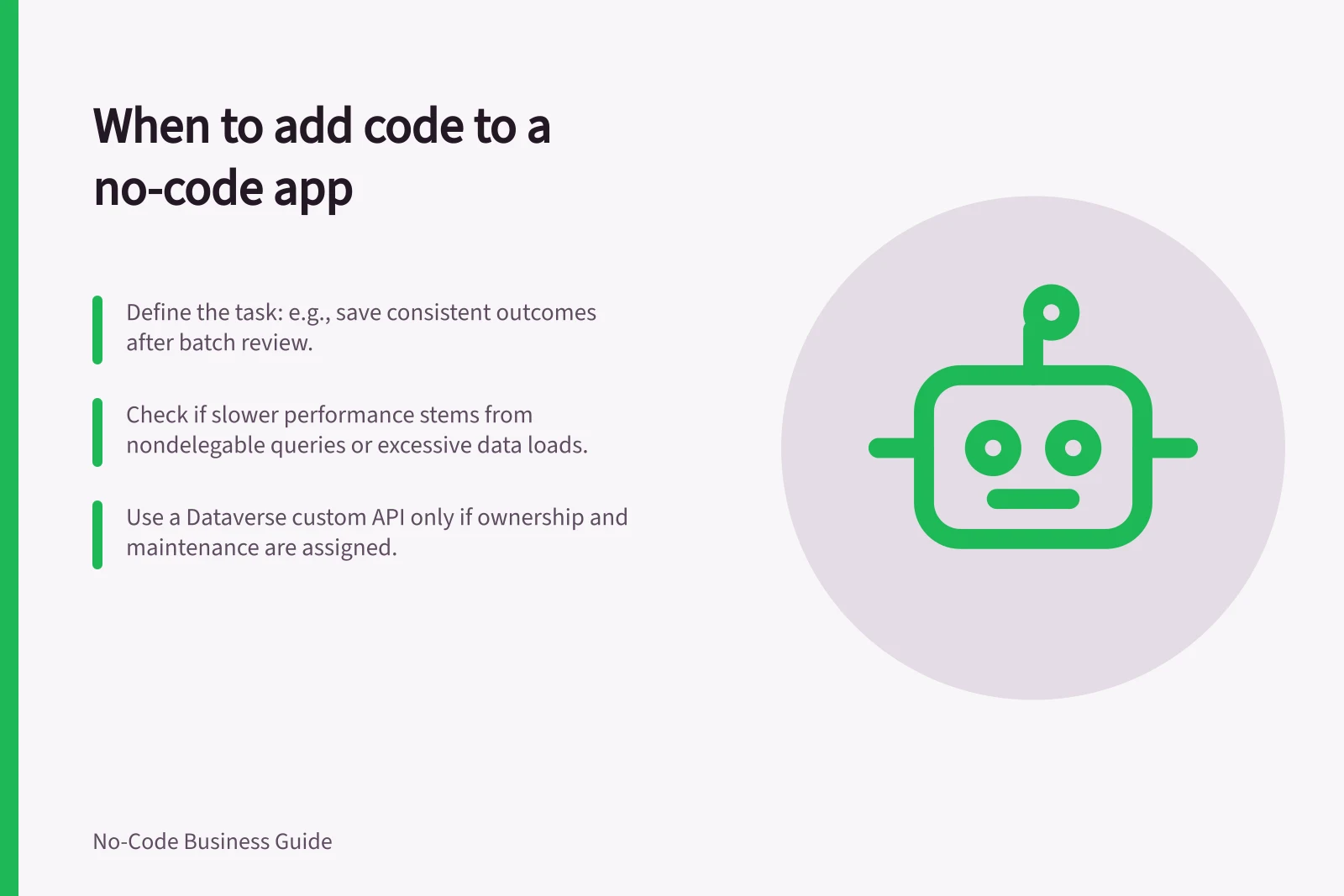
Write the requirement in task terms. For example: “When a reviewer confirms a batch, the app must save one consistent outcome for every item.” Add the expected volume, access rule, acceptable delay and what the user should see if confirmation is missing. Identify what the no-code app should continue to handle, such as the form and review screen.
Keep evidence with the decision: a result at representative volume, a diagnostic observation and the platform feature or limit involved. An awkward configuration alone does not establish that code is needed.
Check narrower changes first
A slow list may improve by loading fewer records or avoiding a separate lookup for each row. A missing Power Apps result may be caused by a nondelegable query that needs a supported formula or source change. Check these paths before adding a service that receives the same excessive data.
If an approved business system already offers the operation, check whether a supported connector can use it. That choice requires permission and error handling, but it may avoid writing a new service.
Choose a bounded extension
| Established need | Route to investigate | Limit to check |
|---|---|---|
| Complex shared operation over Dataverse data | Dataverse custom API called by a Power Apps canvas app | Check whether its capabilities and ownership justify this route. |
| Custom server operation in Bubble | Server-side plug-in action | Code and dependencies need maintenance; file-input and API-response limits apply. |
| Operation already offered by an approved system | Builder connector calling that API | Check the service’s permissions, availability and returned outcome. |
These are product-specific examples, not interchangeable solutions. Microsoft describes Power Fx functions as an option for shifting complex business logic to Dataverse; Power Fx functions are a preview feature. A Dataverse custom API is another documented route. Bubble documents server-side actions for custom calls and calculations, while its API Connector can call an external API.
Keep the boundary small. Send only authorised identifiers and inputs needed by the operation, then return a clear outcome and reference. Specify who enforces record access, which system owns the write, how duplicate calls are handled and how an uncertain result is checked. A timeout does not establish that the write failed.
No-code extensions: platform-specific options
- Complex shared operation over Dataverse data
- Use Dataverse custom API called by Power Apps canvas app
- Custom server operation in Bubble
- Use server-side plug-in action
- Operation already offered by an approved system
- Use builder connector to call that API
Include maintenance in the choice
Name an owner for the code, its deployment and diagnostics. Record inputs, outputs, permissions and failure states alongside the app configuration. Check whether the team can support the component after its author leaves.
Try the proposed operation with fictional records in an approved setting. Compare it with the original route for complete results, elapsed time and recovery from failure under the same task. Adopt it only if it resolves the measured gap and has an owned support route.