Permissions
Part of No-code app permissions
Restricting records by team or customer
Define team or customer record ownership, choose an enforcement point and check access after reassignment.
To restrict records by team or customer, identify which group owns each record and enforce that boundary on every route that can retrieve it. Decide whether access belongs to one person, a team or a customer account. Define write permissions separately. A filtered work list helps navigation, but it should not be the only record-access rule.
Define ownership before the filter
Imagine an internal service app used by two regional teams. A request belongs to one team, an assigned employee works on it, and a manager may cover both teams. For customer-owned records, decide whether access belongs to one contact or everyone in a customer account. The account association must come from a trusted sign-in or assignment process, not a customer-editable label.
| Case | Rule to decide |
|---|---|
| New record | Who assigns its team or customer owner, and can that value be blank? |
| Reassignment | Who may move it, and when should the old group lose access? |
| Shared work | Which named people or groups receive an additional grant? |
| Related material | Do notes, attachments and exports follow the parent record's rule? |
| Former member | Which other grants might still provide access? |
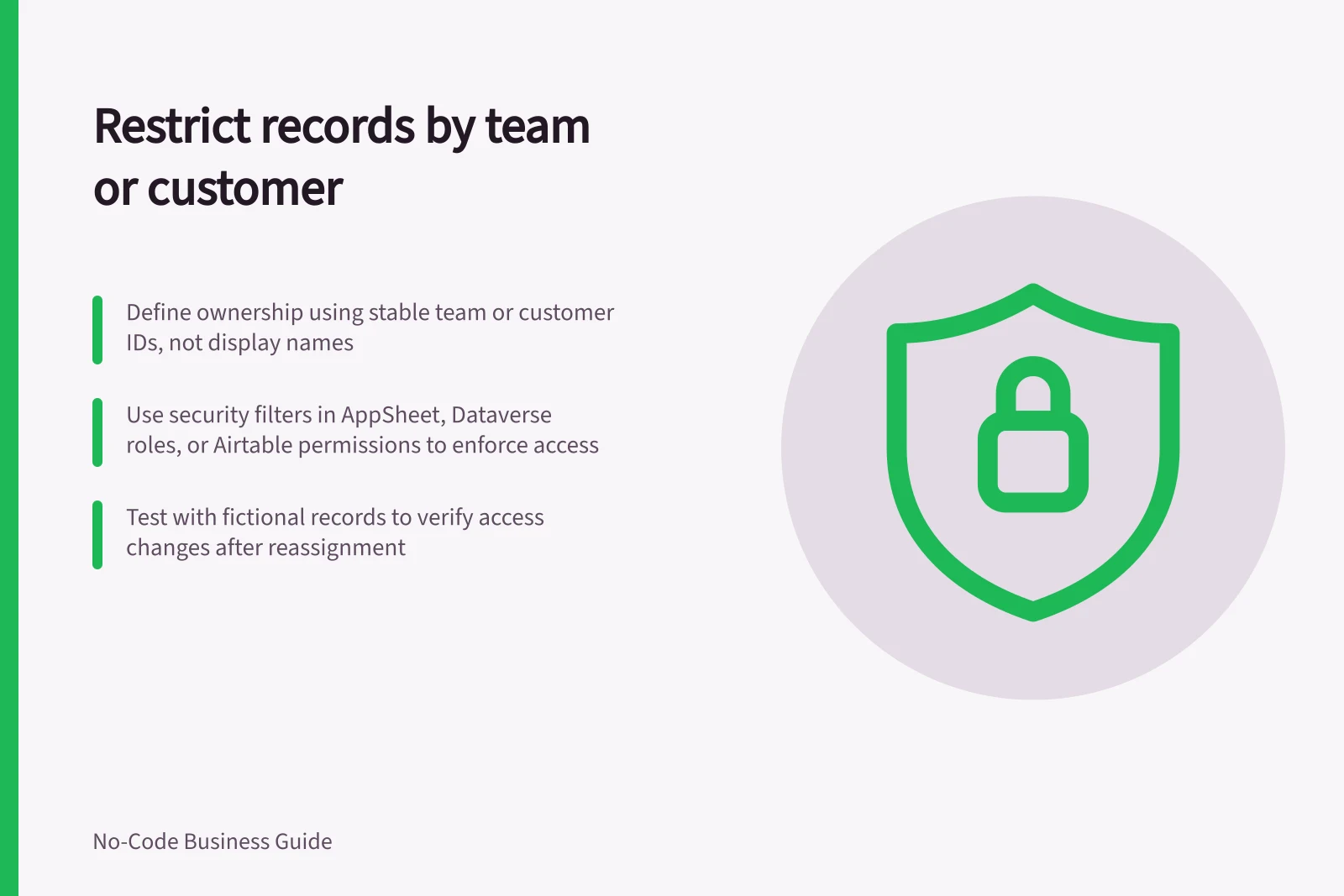
Use a stable team or customer identifier rather than a display name. Restrict who can change it: an ownership edit can change who sees the record. Give unassigned records a deliberate holding rule.
Defining Record Ownership Before Filtering
- New record assignmentWho assigns team or customer owner? Can value be blank?
- Reassignment controlWho may reassign? When does old group lose access?
- Shared work accessWhich named users or groups get additional grants?
- Stable identifiersUse stable team/customer IDs, not display names
Choose an enforcement point
AppSheet's help covers security filters, including limiting users to their own data. Check that the configured rule matches your ownership boundary and verify access through the routes available in your app.
Dataverse uses role-based security to group privileges. Security roles can be associated directly with users or with Dataverse teams and business units. Business units can define security boundaries, and privilege grants are cumulative, with the greatest access prevailing. Check whether a row is accessible through ownership, role access, shared access or hierarchy access; hierarchy access applies only when enabled for the organisation and table.
Airtable's help covers interface permissions and managing and sharing interfaces. Review those settings alongside the app's ownership rule, and verify which users can reach each record through the configured interface.
Document where the chosen rule is enforced and which other routes or grants can reach the record.
Enforcement Methods Across No-Code Platforms
- AppSheet
- Security filters (e.g., user-owned data rules)
- Microsoft Dataverse
- Role-based security with business units and security roles
- Airtable
- Interface permissions and shared interface settings
Check changes and related routes
Prepare fictional records for team A, team B, a shared record and an unassigned record. Where customer accounts are in scope, use two distinct fictional accounts. With ordinary accounts holding the intended grants, check lists, search, direct record opening, editing, export and related files wherever those routes exist.
Then change team or account membership and reassign a record. Check the gaining and losing accounts after the configured system applies the change. Record any delay or other grant that explains unexpected access. Keep this ownership check separate from a full customer-portal design, which also needs account lifecycle and cross-customer review.
Ownership Rule Verification Checklist
- Test unassigned recordsEnsure a deliberate holding rule applies
- Verify reassignment logicConfirm old group loses access, new group gains it
- Check related materialsNotes, attachments, exports follow parent record ownership
- Review former member accessIdentify any lingering grants that allow access