Permissions
Part of Building a no-code customer portal
Choosing what a customer should be able to see
Choosing what a customer should be able to see: a practical guide to the key decisions and checks.
Design a portal view around the customer's question: “What can I do or check here?” Give them the records and status needed for that task, not a raw mirror of the internal database.
An internal note, risk score or another customer's record may sit beside useful fields, but it should remain outside the portal.
For each page, make a field list with its owner, sensitivity and permitted audience. Separate individual-contact access from account-wide access.
Decide whether a customer can see all of their organisation's cases or only the cases they submitted. That is a business rule, not a default a page builder should choose for you.
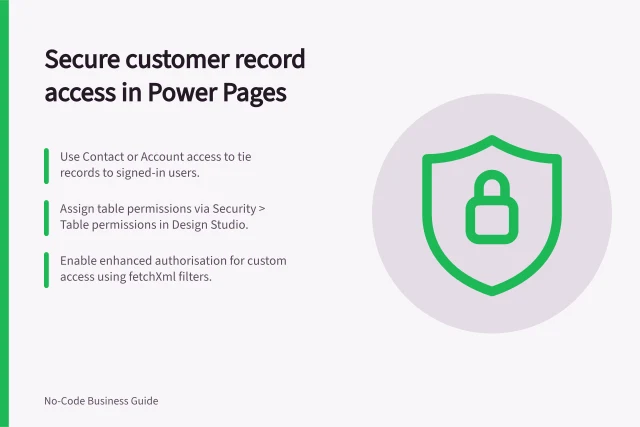
Configure the data rule beneath the interface. In Power Pages, Microsoft documents table permissions tied to web roles and several access types, including contact and account access.
A visually hidden field or button is not a replacement for record-level access control.
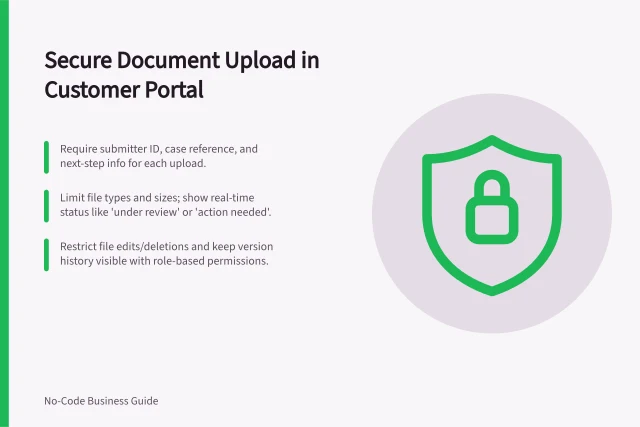
Test with two fictional customer accounts. Check lists, search results, detail pages and downloaded files.
Ask a customer-facing colleague whether the view answers the task without exposing confusing internal language.
Add fields only when they help a decision and have a clear permission rule.