Permissions
Part of Building a no-code customer portal
Preventing one customer from accessing another's records
Cross-customer access is a portal failure even if it occurs only through a guessed address or export.
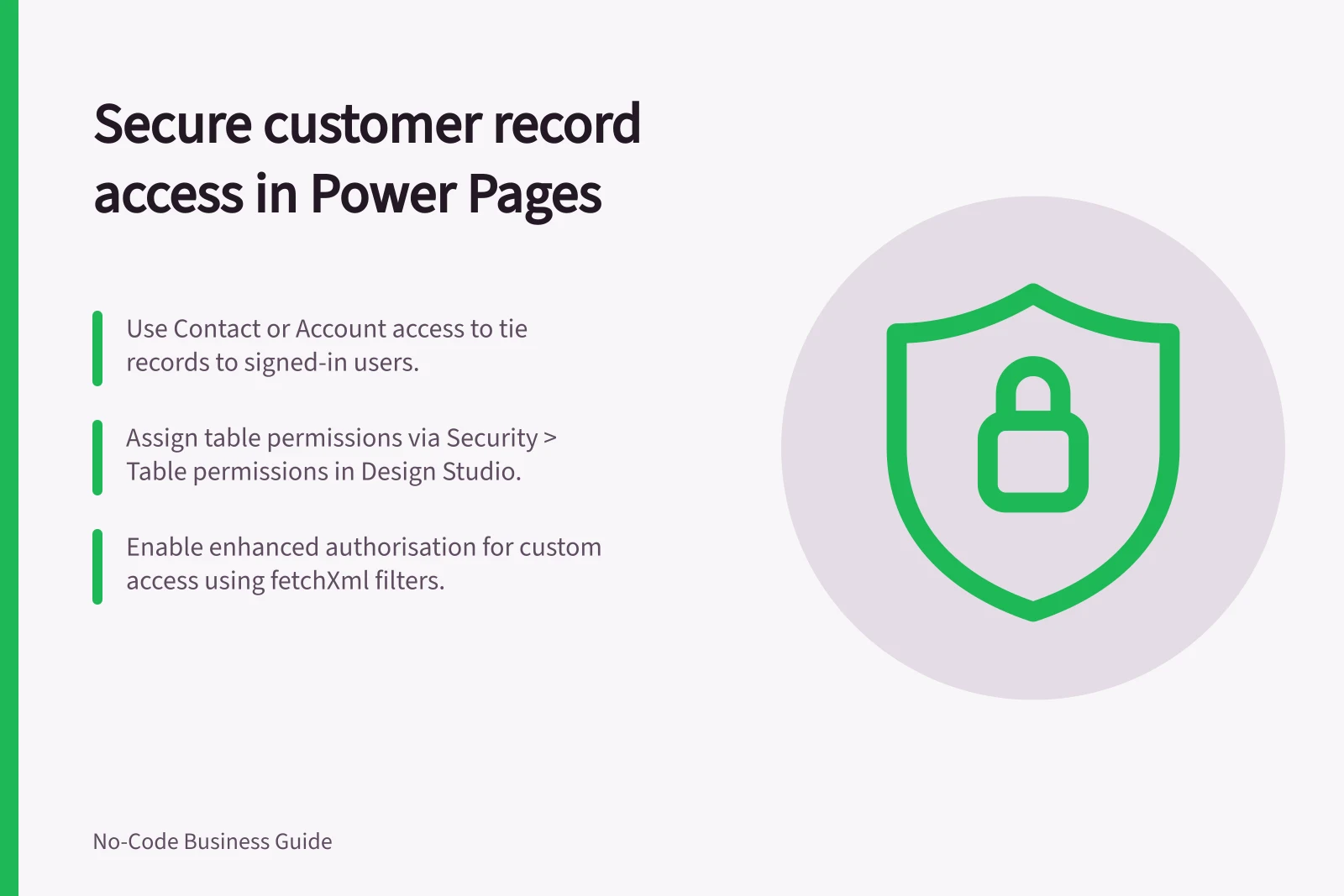
In Power Pages, the named record-level control is a Dataverse table permission. Associate it with a web role and choose an access type that ties permitted records to the signed-in customer’s contact or account.
Choose Contact access when records are tied to the signed-in user, or Account access when they are tied to that user’s account. Self access applies only to the user’s own Contact record. Global access applies to all records, so it does not restrict customers to their own data.
In the design studio, open Security > Table permissions, select the table and assign the permission to the relevant web role. If the role is not listed, select Manage roles to open the Portal Management app, create and save the role, then return to the design studio, select Sync and refresh the browser page.
Parent access is available only in the Portal Management app; in the design studio, add a child permission to an existing table permission instead. Custom access uses configured fetchXml filters and is available only for sites enabled for enhanced authorisation.
Check the Anonymous users web role on each permission. If it has access to a table, anyone visiting the site can access that table’s data; clear the role if that access is not intended.
Power Pages restricts access to Dataverse records through forms, lists, Liquid, the Portals Web API and other components accessing Dataverse tables. Configure table permissions and associate them with web roles for those components, not just the page that displays a record.
Test with two fictional customers and records that are clearly different. Sign in as A and try to open B’s list entry, direct record address, file, search result and any exposed API route. Repeat after changing a role and after removing access; the expected result is denial or a safe empty view, not a brief display followed by a redirect.
Record the account, role, route and observed outcome for each test. Repeat the checks when records, roles or integrations change, and do not copy a production customer’s data into a test environment just to make the check realistic.
Key Security Metrics for Customer Data Protection in Power Pages
- Risk of Cross-Customer Access
- High if Global or Anonymous access is misconfigured
- Recommended Access Type for Most Cases
- Contact or Account access
- Testing Best Practice
- Use synthetic test data — never real customer data