Maintenance
Part of No-code deployment and maintenance
Separating a test app from the live version
Check app copies, data sources and connections so no-code testing does not change live work.
A different app name or preview screen does not isolate testing. Trace where a test action writes data and whether it can reach a live destination. For any action that could affect real work, use a separate source or a controlled test route.
Trace a test write
Follow one fictional submission from screen to table or file, automation, connected system and notification recipient. Label each destination test or live. Repeat for an edit, deletion and upload if the app supports them.
Inspect the actual connection settings. Copying an app does not, by itself, establish that its data and integrations were copied or isolated.
Use recognisable fictional IDs, restrict test access and decide when test records and files will be removed. If a test action still reaches a live destination, replace that connection with an approved test resource or use a check that cannot alter real work.
Test App Isolation Checklist
- Trace data flow from test submission to all destinationsConfirm each destination is labelled 'test' or 'live'
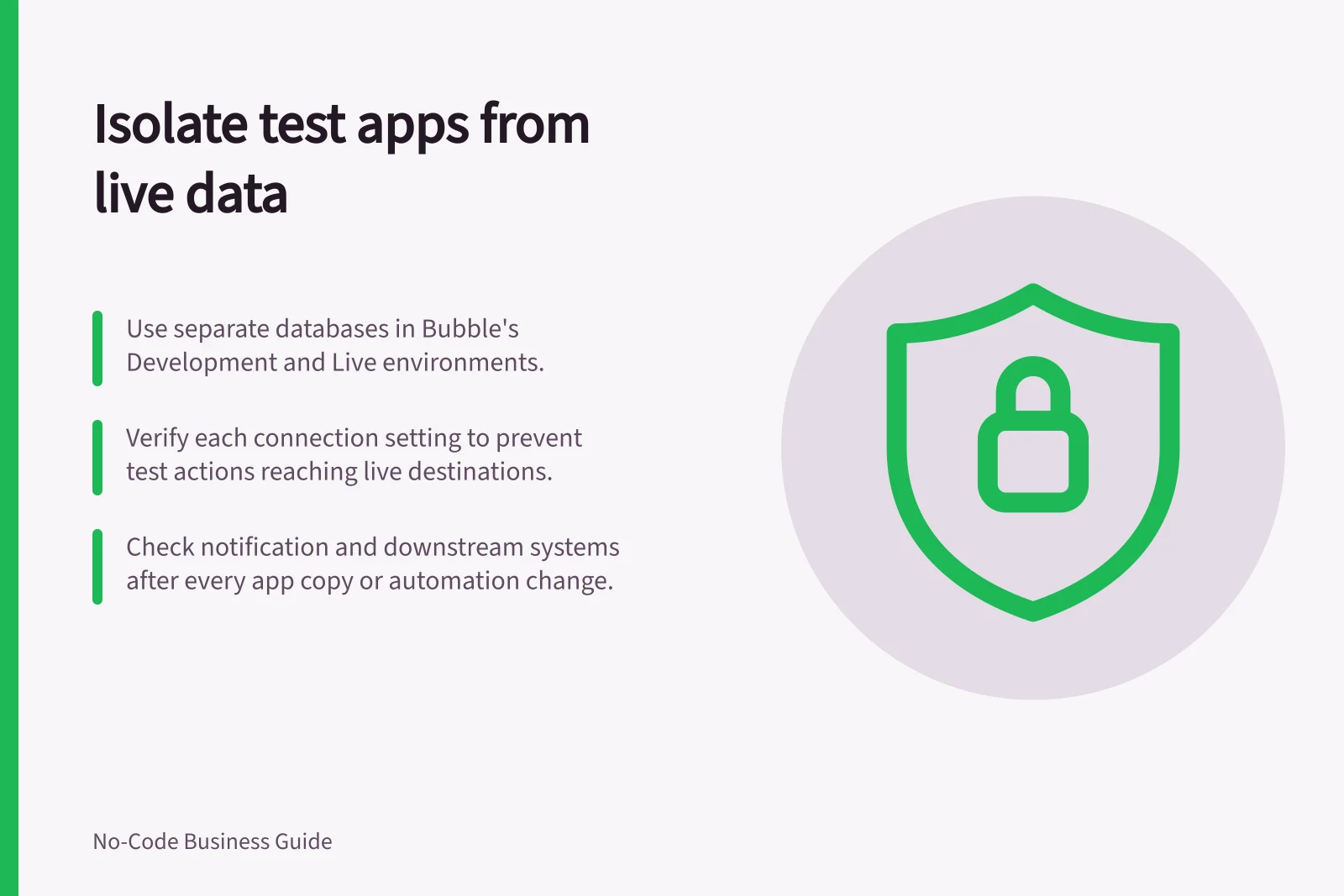
- Verify connection settings are isolatedEnsure copied apps do not inherit live database or API connections
- Use fictional IDs and restrict accessApply unique identifiers for test records; limit user access to test environment
- Replace live connections with test resourcesUse approved test accounts or add safeguards to prevent live changes
Use the builder's actual boundary
Bubble's Development and Live environments have separate databases. The documentation describes the Live branch as read-only and development branches as editable. Treat a new development branch as part of Development unless the builder's current documentation confirms a separate data store.
The database boundary does not describe external services; check those separately. Use the boundary check below for notification and downstream destinations.
For copy, preview or upgrade routes in other builders, check the platform's current documentation for where each action writes and whether the route keeps data aligned. Do not rely on the route's label alone, and do not assume that a preview screen is a separate data boundary.
Controls that delay when people see an interface edit do not by themselves establish a separate database. If testing must change records, use a suitable isolated base or another approved source.
Development vs Live Environments in Bubble
- Database Access
- Development: editable; Live: read-only
- Data Isolation
- Separate databases in Development and Live environments
- External Service Boundaries
- Not automatically isolated — must be checked separately
- Preview Screens
- Do not guarantee data isolation — verify actual routing
Check the boundary before relying on it
Record the test app identifier, data location, connected accounts and notification destinations, together with the IDs and destinations actually observed. In an approved setting, create or edit a fictional record and inspect the intended test source and the live source.
Check whether an email, bot or downstream system acted. Repeat with an ordinary user role if that role matters to the release. Recheck after changing a data source, app copy or automation because each can open a new route to live work.
Verifying Test Environment Safety
- Record test app detailsNote identifier, data location, connected accounts, notification destinations
- Create a test recordInspect both test and live sources for data changes
- Check downstream actionsVerify no emails, bots, or external systems responded unexpectedly
- Revalidate after changesRepeat checks after altering data sources, app copies, or automations