Maintenance
Part of No-code deployment and maintenance
Planning an app handover after its creator leaves
Establish app ownership, data access and connection continuity when a no-code app creator leaves.
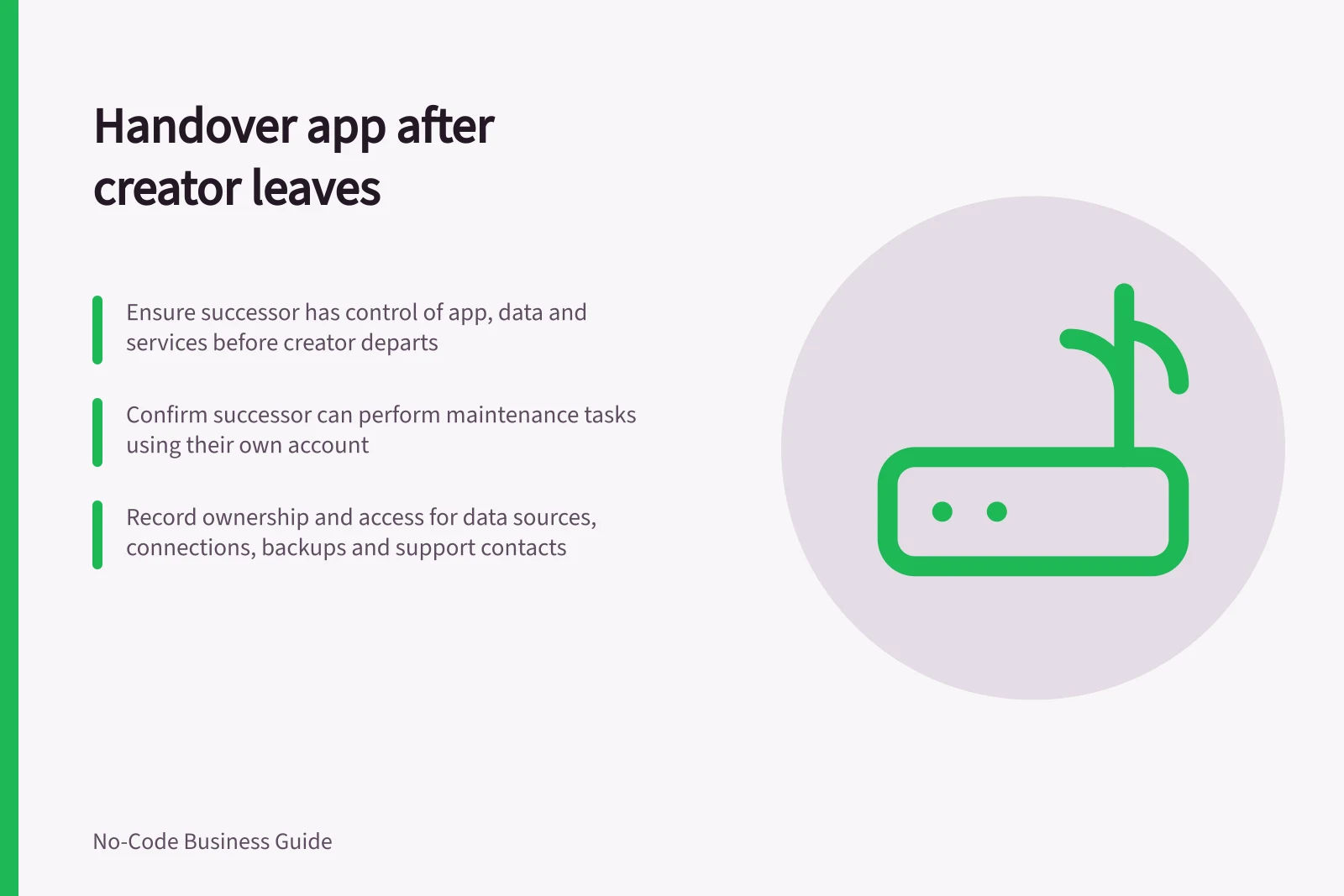
A successor needs control of the working app, its data and the services it depends on. Arrange the transfer while the creator can explain and approve it where possible. Then have the successor demonstrate an ordinary maintenance task.
If the creator has already left, start with the organisation's authorised app, workspace and data-source administrators. An editor invitation alone may not settle ownership.
Find dependencies on the creator
Record the business owner, app owner, workspace, data sources, files, automations, API connections, notification accounts and billing or licence contact. For each, note who owns it, which account runs it and who can change it. A personal spreadsheet or connection may remain essential even when several people can edit the app.
| Item | What the successor needs to establish |
|---|---|
| App definition | Which version is live and who can edit and publish it |
| Data and files | Where they live and who can correct an authorised record |
| Connections | Who owns each connection and how it can be renewed or replaced |
| Recovery | Where the backup route is and what it covers |
| Support | Where failures appear and who handles a user report |
Transfer the rights that matter
Use the platform's documented app-transfer process. Confirm the successor can operate the app before the creator's account is closed.
Review the departing creator's access separately when they leave. Confirm the successor can access the app's data sources and files; an app handover alone does not establish access to those resources.
For a Power Apps canvas app, a Co-Owner can use, edit and share the app but cannot delete it or change its owners. Check ownership and access to data sources, flows, gateways and connections separately.
Where a transfer requires more than the successor's grant permits, use the organisation's authorised owner or administrator route.
If the creator has already departed, identify which supported administrator and source-owner routes remain available before changing or closing the old account. Record any dependency that cannot yet be transferred and keep a responsible owner assigned to it.
Have the successor demonstrate continuity
Using their own account, the successor should open the app, find its data source, locate a recent release record and explain how to publish a correction. In an approved test setting, they can inspect and correct a fictional record and check the saved result. If a permission or connection is missing, resolve it before treating the handover as complete.
Keep a brief operational note covering the app's purpose, important fields, permission approver, connected systems, release and backup routes, known faults and contacts. Store credentials in the organisation's approved secret or connection system. The note should name their owner and renewal route, not hold the secrets.
Remove the departing person's app, workspace, source and connection access through the organisation's process once continuity is established. Then recheck essential user tasks and automations and record the new owner and any temporary access that still needs review.