Maintenance
Part of No-code deployment and maintenance
Publishing a change without surprising users
Give users clear notice, account for pending work and check the live result after a no-code app change.
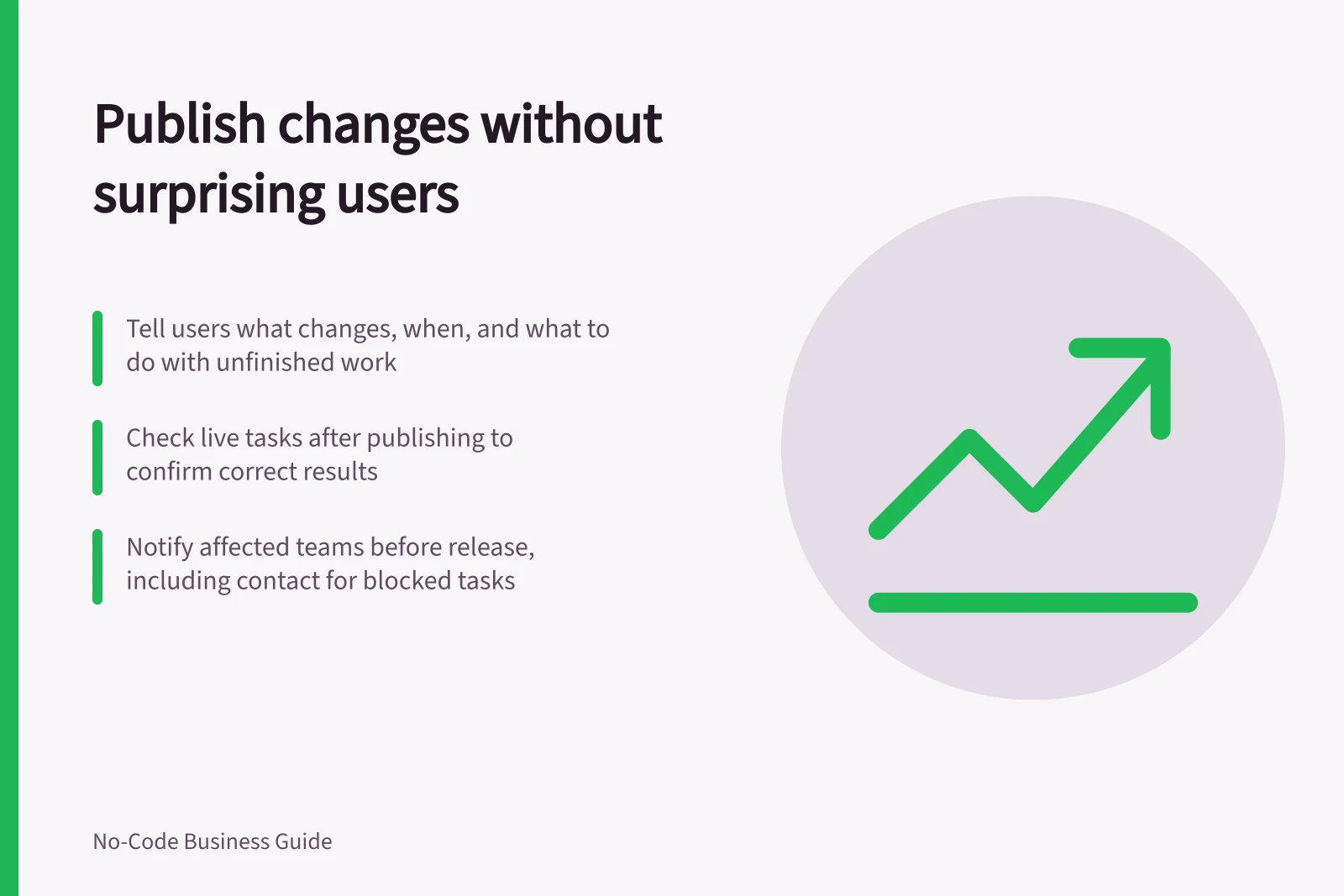
Tell affected users what will change, when it is planned and what to do with unfinished work. Publish when someone can check the live task and respond to a fault. An editor's success message alone does not show that users received the change or that the saved result is correct.
Write the notice around the task
Describe the action people will see. “The request form will ask for a location before submission” is clearer than a version number alone. Name the affected group, intended release window, possible interruption, action needed before the change and contact for a blocked task.
If users need to do nothing, say so. Use a channel the affected team actually follows.
Avoid promising that every device will change at a precise moment unless the configured update route supports that promise. For a new required field or approval step, let the receiving team and support contact check the wording before it goes out.
Account for work in progress
Identify records being edited, entries waiting to sync and connected actions that might run during the change. Decide whether users should finish, sync or pause those tasks, and tell them how to report a missing result.
Publish and check what users received
Record the intended version and who starts the publication. A changed Power Apps canvas app must be saved and published before other users see it. Use the publish controls that apply to the configured app.
After publication, ask an authorised ordinary user to complete the changed task with a controlled record. Inspect the saved value, the next person's view and any connected action. Check one essential route that was meant to remain unchanged. Record the account, version, record ID and observed result when the check is carried out.
If the task fails, tell affected users what is known, who is handling it and which approved process to use meanwhile. Decide the correction from the actual fault: restoring an app definition may not restore records changed after publication. Confirm when the task works again and update the release record.