Platform Choice
Part of No-code platform selection
Testing a real workflow during a no-code trial
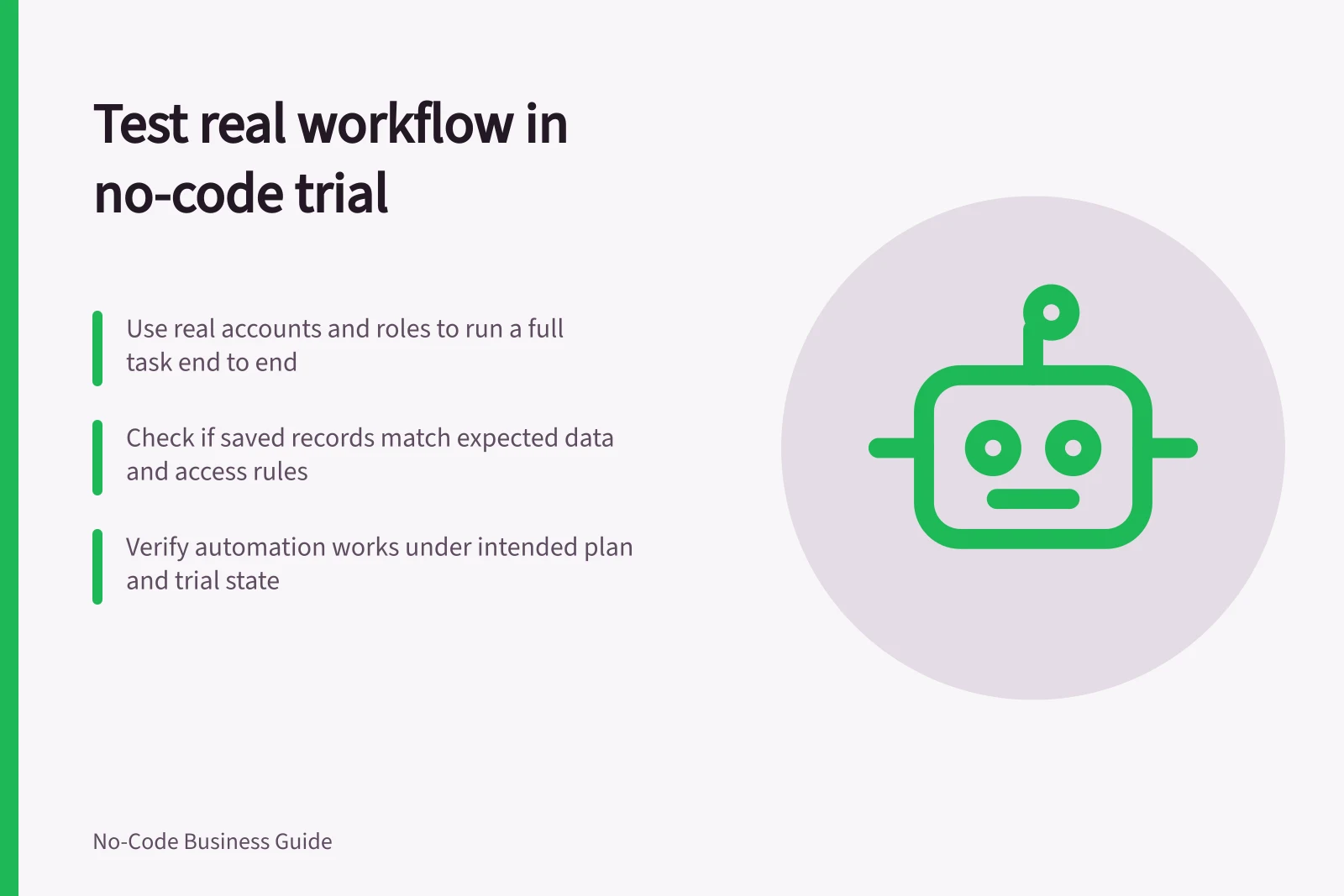
Use a no-code trial to check a real task, saved records, user permissions, exceptions and plan limits before selecting a platform.
Use a no-code trial to complete one ordinary task end to end, with the accounts and permissions the live app would need. A maker's preview alone cannot show whether another user can save the right record, resolve an exception or reach only the data they should.
Write the task and expected results
Choose one task that matters to the platform decision. For example, a requester submits an equipment-repair request, a coordinator assigns it and a reviewer closes it with a reason. Use fictional people and records. State what should be saved when the task finishes.
Prepare an ordinary request, one with missing information, a correction to an existing request and an attempt by an unrelated account to open it. Decide the expected result of each case before trying the builder.
Checkpoint / What to record
- Submission
- Saved identifier and fields; message shown to the requester
- Handover
- What the next role can see and change
- Exception
- How the request is returned, corrected or left pending
- Access
- What the unrelated account can retrieve or change
- Exit
- Whether a small record sample can be retrieved and understood
Key Checkpoints for Workflow Testing
- SubmissionSaved identifier and fields; correct message shown to requester
- HandoverNext role can see and edit only relevant data
- Exception HandlingRequest returned, corrected or left pending as expected
- Access ControlUnrelated account cannot retrieve or change data
- Exit & Data RetrievalSmall record sample can be retrieved and understood
Use the intended accounts and plan
Ask an intended user to run the task, or use a separate account with the intended role. Record whether the app is in a trial, prototype or paid state. Features visible in an editor may behave differently under that state.
If the workflow depends on an automation, test whether it runs with the intended account and plan; a successful form preview alone does not establish that the action works.
Check whether the trial plan includes the action or feature needed for the workflow, and test it with the intended account.
Softr describes syncing a user database to test user-specific experiences. Set up the intended test users and check the relevant experience.
Softr's form builder supports conditional logic, including a Conditional Form Block inside a Softr app. If the workflow depends on it, test the form submission and resulting saved or routed record.
Observe the user and the saved record
Let the user follow the task without step-by-step coaching. Note where a label, missing action or unexpected screen stops them.
Inspect the underlying record after each action: was the intended row created or changed, and is the information needed by the next role present? Check any required alert or connected action separately.
For the denied-access case, try a direct record route where the product permits it. A page missing from navigation is not proof that its data is restricted. Record the account, role, route and result. Keep real customer and staff data out of the trial.
Finish with a decision
Mark each essential requirement demonstrated, demonstrated under a stated plan or condition, unresolved or failed. Keep observations separate from checks you still propose.
If a trial plan prevents an essential action from running, obtain a supported way to verify it before selecting the platform. Select only when essential requirements are demonstrated or have a clear verification path, and any failed requirement has been assessed as a blocker.