Platform Choice
No-code platform selection
Choose a no-code platform by checking workflow fit, data sources, user access, portability and the plan needed to run your app.
Choose a no-code platform against one defined business workflow. Record who uses it, where its records live, what each person may do, and which plan is needed to run it. Then give the shortlisted candidates the same task to demonstrate.
Define the job before comparing products
Describe who starts the task, who changes the record and what a completed task looks like. Include an exception, such as a request returned for missing information. Identify any existing system that must remain the source of a field.
Separate requirements from preferences. Keeping one team's records out of another team's reach may be essential, while a particular dashboard layout may be negotiable.
Note the devices staff will use. Identify who will own the app and its connections.
Build a short list
| Candidate | Reason to investigate it | Limit to check |
|---|---|---|
| Airtable | Provides views and interfaces for records. | Check how access is shared for the intended roles. |
| AppSheet | Can use a spreadsheet as a data source and has security filters. | Check how security filters are configured. |
| Softr | Blocks connect to a data source and present live records; Softr Databases is native. | Check the intended data source and user access. |
Softr has its own database.
Check access and ownership
For each role, list the records it may read, create, change and export. Test those rules with an ordinary user account, including a record that account should not reach. A screen that hides a field does not, by itself, prove that the data is restricted.
Check portability and the plan
List what you would need after a move: records, attachments, relationships, screens, rules and history. Find out which items can be exported and which would need rebuilding. A CSV of rows is useful, but it is not a copy of the working app.
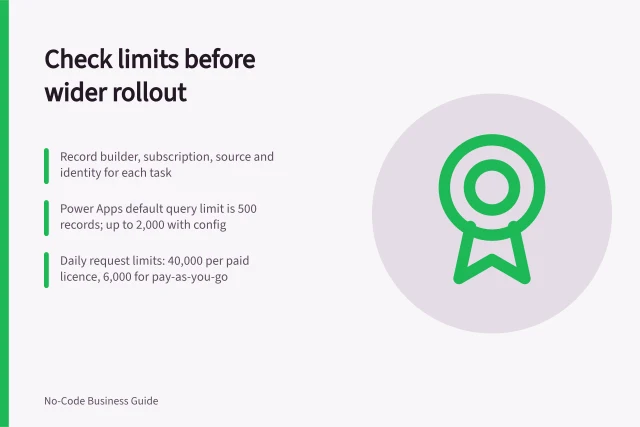
Record the plan used for every demonstration. AppSheet can copy an app within AppSheet, which does not establish portability to another builder. Keeping records in an external source may make them accessible independently of a Softr app, but the hosted interface would still need rebuilding elsewhere.
Make the selection
Give each candidate the same fictional records and one task. Have intended users complete it, handle an incomplete entry, inspect the saved record and check denied access. Retrieve a small record sample and see whether another person can interpret it.
Mark each requirement demonstrated, demonstrated under a stated condition, unresolved or failed. Choose only after essential requirements have a supported route under the intended plan.
In this guide
- Checking export and portability before platform selectionCheck records, attachments, relationships and app logic before choosing a no-code platform. See what common export routes leave behind.
- Testing a real workflow during a no-code trialUse a no-code trial to check a real task, saved records, user permissions, exceptions and plan limits before selecting a platform.