Platform Choice
Part of No-code platform selection
Comparing database-first and interface-first app builders
Compare record-led and interface-led no-code builders using data ownership, user tasks, permissions and product limits.
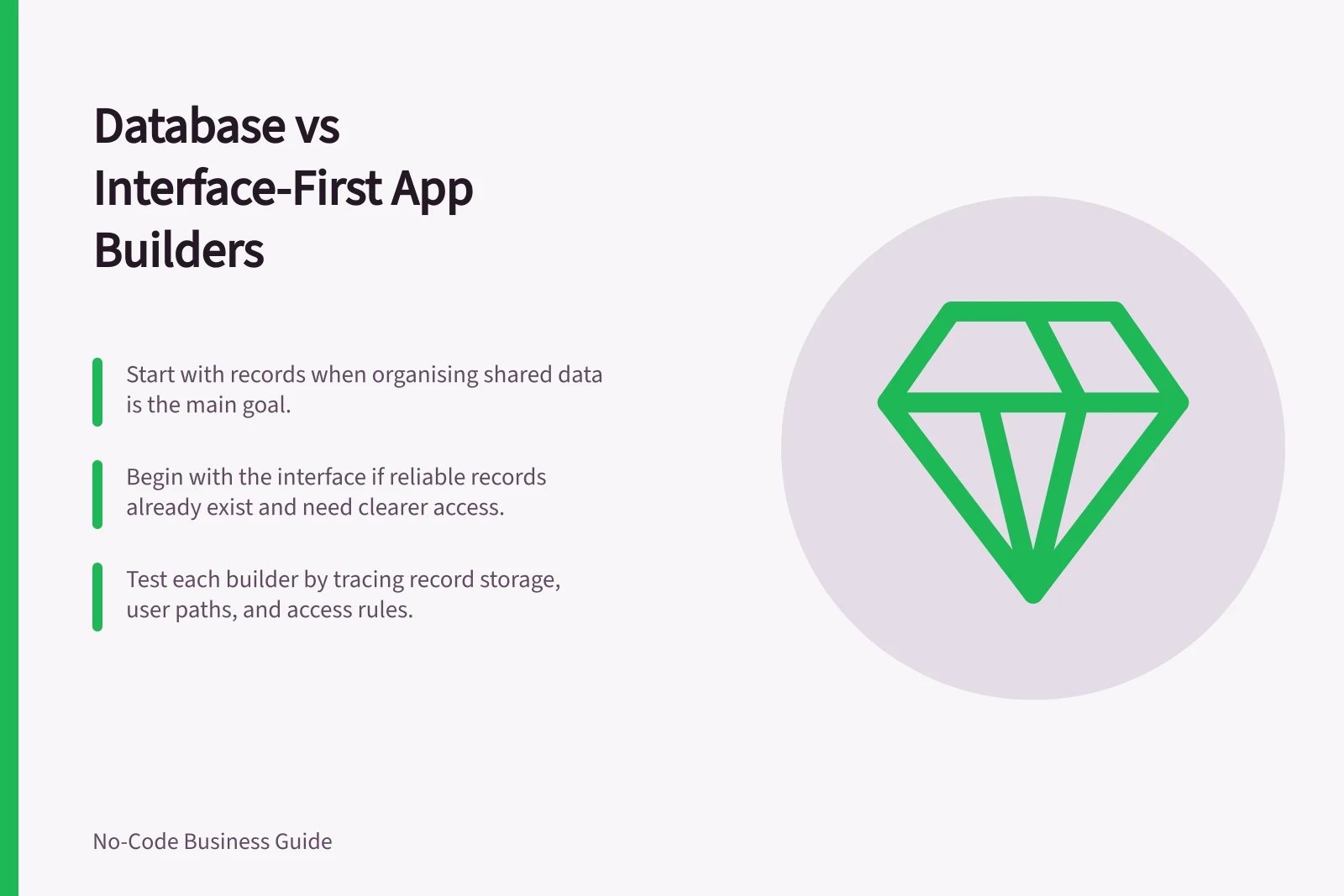
Start with records when the main problem is organising and maintaining shared data. Start with the interface when reliable records already exist and people need a clearer way to use them. These are ways to frame a trial, not fixed product categories. Either approach still needs a sound data model and a usable screen.
Compare what you would inspect first
In a record-led trial, identify the main record types, their owners and the identifiers that connect them. Then check whether staff can complete the task without working directly in a table.
In a screen-led trial, follow a user's path: find a permitted record, change it and confirm the saved result. Trace each displayed or edited field to its source. An attractive page cannot resolve an uncertain write or access rule.
| Question | Record-led starting point | Screen-led starting point |
|---|---|---|
| Where is the authoritative record? | Often in a table chosen or designed early. | Often in an existing source connected to the interface. |
| What should be inspected first? | Fields, identifiers, relationships and edit rules. | User path, field mapping and permitted actions. |
| What may be missed? | Staff may still face an awkward task flow. | A convincing screen may hide an unclear data change. |
Record-led vs Screen-led App Builder Approaches
- Where is the authoritative record?
- Often in a table chosen or designed early.
- What should be inspected first?
- Fields, identifiers, relationships and edit rules.
- What may be missed?
- Staff may still face an awkward task flow.
- Where is the authoritative record?
- Often in an existing source connected to the interface.
- What should be inspected first?
- User path, field mapping and permitted actions.
- What may be missed?
- A convincing screen may hide an unclear data change.
Apply the comparison to three builders
Airtable has interfaces that can be managed and shared. Use it for a record-led investigation when a team needs to shape shared data and then provide focused screens. Test the published interface with the intended account.
AppSheet works with a spreadsheet and an editor. Use it when an organisation already maintains a suitable table. Check its owner, column structure, unique identifiers and write path.
For restricted rows, check what each user can access in the configured app and at the data source. A prototype alone does not establish deployment entitlement.
Softr can map an Airtable source to interface blocks, and it also offers a native database. Use it when users need a tailored screen over existing records. Trace each editable field to its source and check the intended plan.
Softr's form builder supports conditional logic, either as a standalone form or as the Conditional Form Block inside a Softr app.
App Builders by Use Case: Record-led vs Interface-led
- AirtableBest for record-led investigation when shaping shared data and then providing focused screens. Use for teams managing data ownership and access.
- AppSheetIdeal when an organisation already maintains a suitable table. Check spreadsheet owner, column structure, unique identifiers and write path.
- SoftrSuitable when users need a tailored interface over existing records. Supports conditional logic and traceable field mapping.
Decide using the same task
Use fictional records for one task, such as reviewing an equipment request. Give a requester and reviewer different actions.
For each builder, note where the request is stored, how the reviewer finds it, what changes after a decision and what an unrelated user cannot reach. Include a correction to reveal who may fix a mistake.
Choose the configured approach that makes both the record ownership and the user's path clear. If either remains uncertain, investigate it before treating the category label as a decision.
Testing a Task Across Builders: Equipment Request Review
- Create fictional records for equipment request reviewUse sample data to simulate real-world usage.
- Assign different actions to requester and reviewerDefine roles with distinct permissions and workflows.
- Track where the request is storedVerify data location across each builder’s setup.
- Map how the reviewer finds and updates the requestCheck user path, field visibility and save confirmation.
- Confirm what changes after decision and what remains hiddenEnsure only authorised users can access or modify records.
- Test correction process to reveal who fixes mistakesValidate ownership and error-handling clarity.