Platform Choice
Part of Building internal business apps without code
Choosing a low-risk first no-code project
Use clear consequences, ownership, a small release and a recovery route to choose a sensible first no-code project.
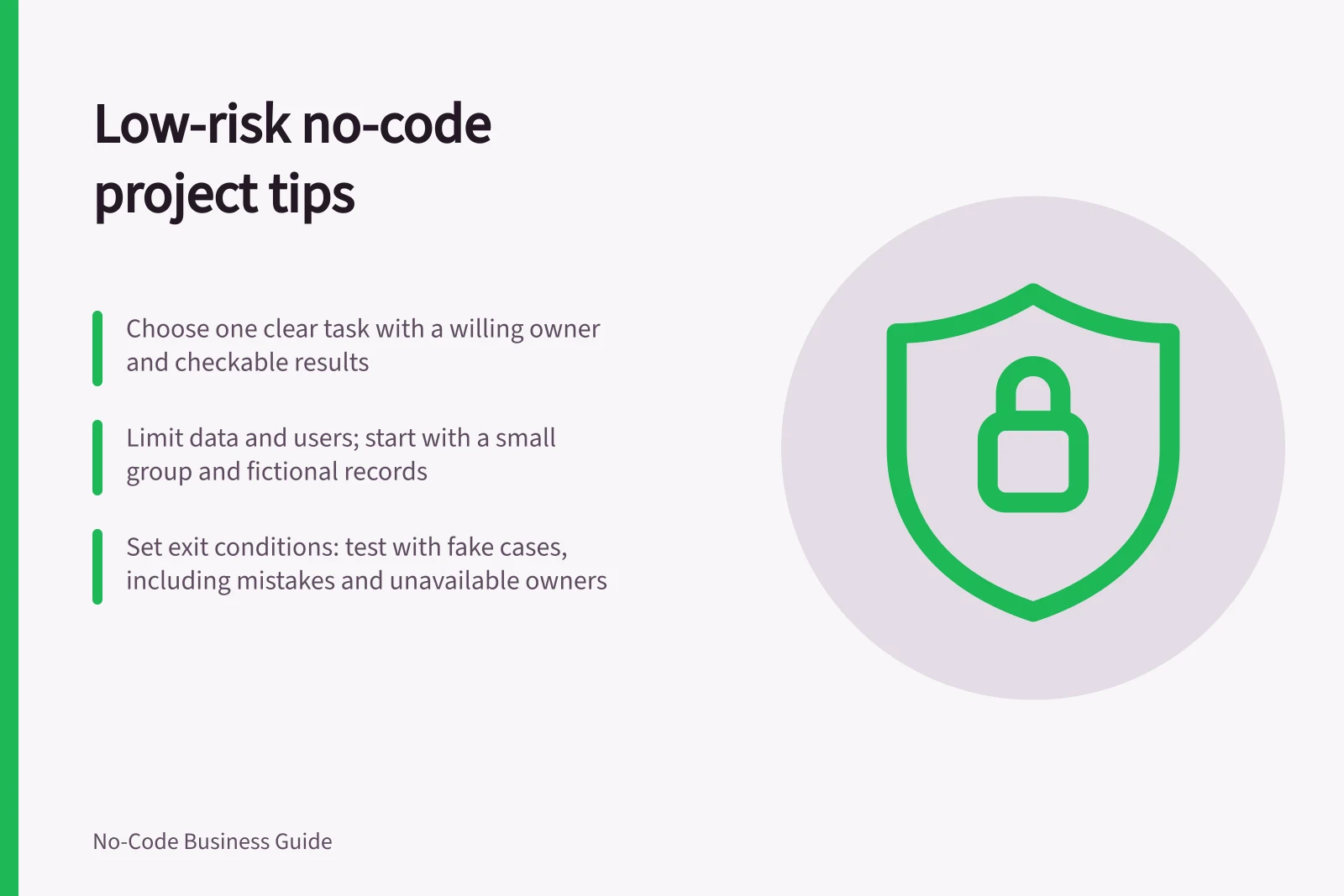
Choose a first project with one clear user task, a willing business owner and a result you can check without risking an essential process. It should be small enough to correct or retire if the design is wrong, but useful enough that staff will try it.
Screen candidate projects for consequences
Look at work that is awkward but recoverable: a shared equipment checklist, a team booking request or a routine handover log. Treat these as examples to assess, not universally safe choices. The same task may be high risk if it involves sensitive information, drives a critical decision or replaces the only dependable record. Ask these four questions about each candidate:
- Can we describe success in one sentence?Name what a user will finish or find rather than promising general efficiency.
- Can one owner settle the rules?Resolve disputes about field meanings or approval authority before building.
- Can we limit the data and users?Use fictional records for design checks where possible, and start live use with a small authorised group.
- Can we recover?Identify the current source of truth, a way to correct mistakes and a route back to the existing process if the app fails.
A short form does not make a project low risk. A booking that affects payroll, customer commitments or access to another team's records needs closer review.
Make the first release a complete slice
Pick one start and one finish. For a handover log, the slice might be: an employee records an item transfer, the recipient confirms it, and the owner can find unconfirmed transfers. Defer dashboards, automatic reminders and additional departments until this path works.
Decide what the first release accepts and rejects. Who can correct a mistaken entry?
How will the team recognise a duplicate? What happens when a person cannot confirm? A suitable first project has manageable exceptions, not an assumption that exceptions will never occur.
Check entitlement before inviting users
A prototype that works for its maker does not prove colleagues can use it under the same plan or permissions. Power Apps user entitlements also depend on the app's capabilities and use context. Check the selected product's current terms and your organisation's configuration before promising wider use.
Access is a separate check. Sharing a Power Apps canvas app can also require permission to its data sources and dependent resources.
Key entitlement and access considerations for Power Apps
- User entitlement requirement
- Depends on the app's capabilities and use context
- Sharing permission
- Requires access to data sources and dependent resources
- App sharing method
- Can be shared via link or assigned to specific users/groups
Set an exit condition before building
Agree what will determine whether to continue. Ask intended users to complete the defined task with fictional cases where possible, including a mistake and an unavailable owner. Check where they get stuck and whether saved records match the agreed rules.
Continue when the core task can be completed, the owner can resolve exceptions and the team knows how to support the app. Narrow or stop if the workflow needs unresolved policy decisions, access the team cannot enforce or a data connection it cannot maintain.