Data Modelling
Part of No-code database quality
Handling missing values without misleading defaults
Keep unknown, zero and not applicable values distinct. Set requirements at the right step and make missing data clear in forms and reports.
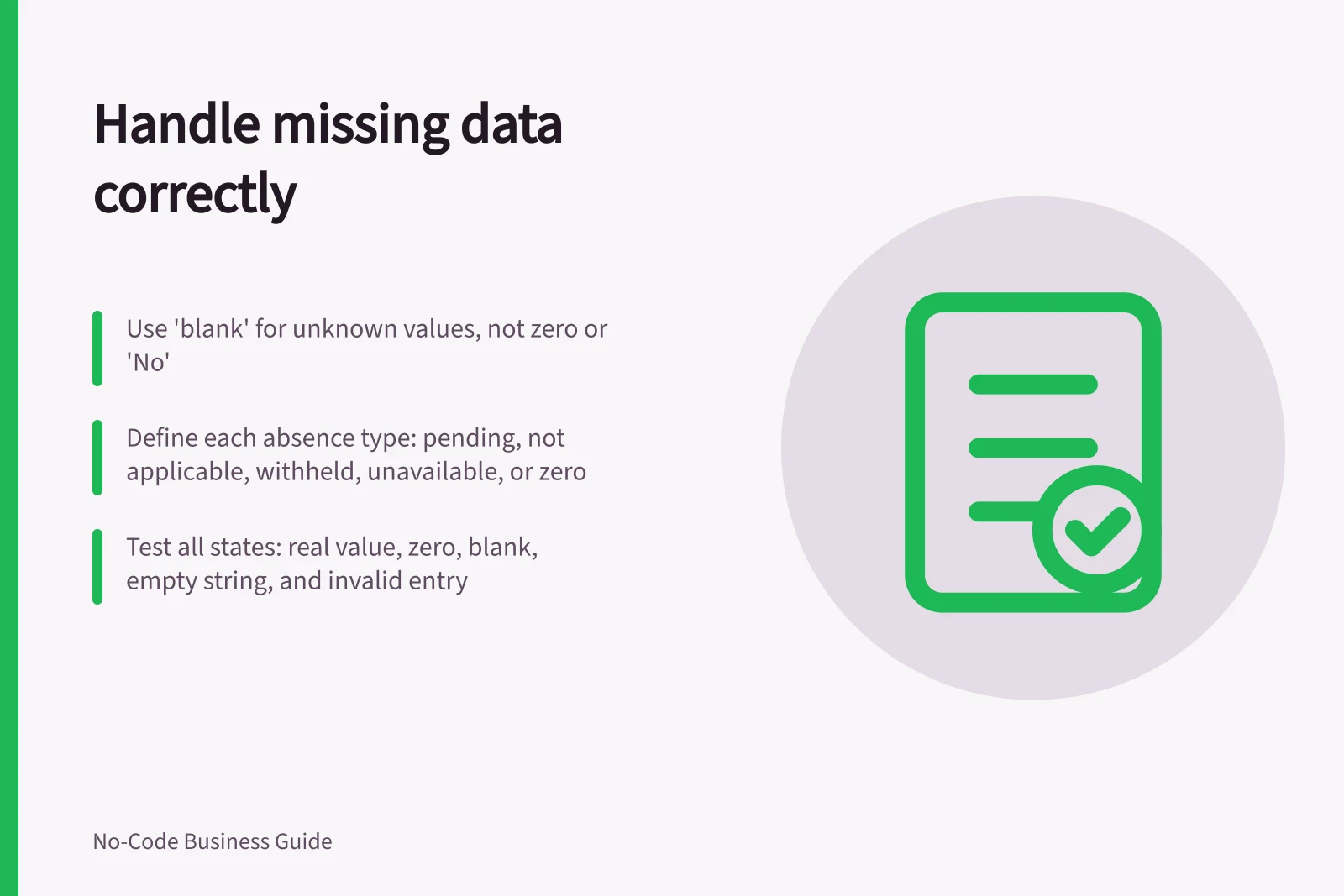
Leave an unknown value unknown. A default is useful only when it is genuinely the value the business intends to record. Entering zero, “No” or today’s date just to fill a blank can turn missing information into a false fact.
Give each absence a meaning
For an important field, decide which of these states the workflow needs to distinguish: not yet supplied, not applicable, deliberately withheld, unavailable from the source, or known to be zero or false. Some states may need a separate reason field or status choice. Do not create a long menu of reasons unless someone will use it to resolve the record.
Consider a request with an estimated cost. An empty amount can mean the estimate is pending; $0 means the estimate is known and is zero. If a report totals amounts or counts records above a threshold, those states must remain distinct.
A display label can make a blank understandable without replacing its stored value. “Awaiting estimate” tells a reader what is happening while leaving the amount empty. If the app uses a fallback expression, check whether it changes only what users see or also writes a value into the database.
Microsoft’s Power Fx documentation distinguishes blank from an empty text string, and says IsBlank and Coalesce test for both blank values and empty strings. Check whether the field is stored as blank or as an empty string, and whether the app treats them alike.
Require information at the right moment
Mark a field mandatory when the user can reasonably supply it and the next task cannot proceed without it. A request form might accept an unknown completion date, while a closing step requires the date or an authorised exception. If a form forces a guess at the start, the resulting record may appear complete while being less accurate.
For Dataverse, check the Column Requirement property, which specifies whether data is required to save the row. For imports and automations, confirm the applicable requirement separately.
Protect reports and follow-up work
Show missing values in a review queue with the record owner, reason if known and next action. Decide when a missing value becomes overdue.
In a report, label the denominator: “12 of 15 requests with a known estimate” conveys more than a percentage whose missing records are hidden. Avoid counting blanks as zero or “No” unless that treatment is an agreed business rule and is visible to readers.
Test the field with a real value, zero, blank, an empty text string where relevant, and a deliberately invalid entry. Follow each case through the form, saved record, automation and report. Record the expected result before testing.