Data Modelling
Part of No-code database quality
Preventing duplicate records in an app
Define record identity, warn on possible matches, enforce exact uniqueness where supported and check forms, imports and automations.
Prevent duplicates by deciding what makes a record the same real-world item, checking for likely matches before entry and enforcing exact uniqueness where the data platform supports it. A search box alone will not protect an app from simultaneous submissions or imports.
Preventing Duplicate Records in a No-Code App
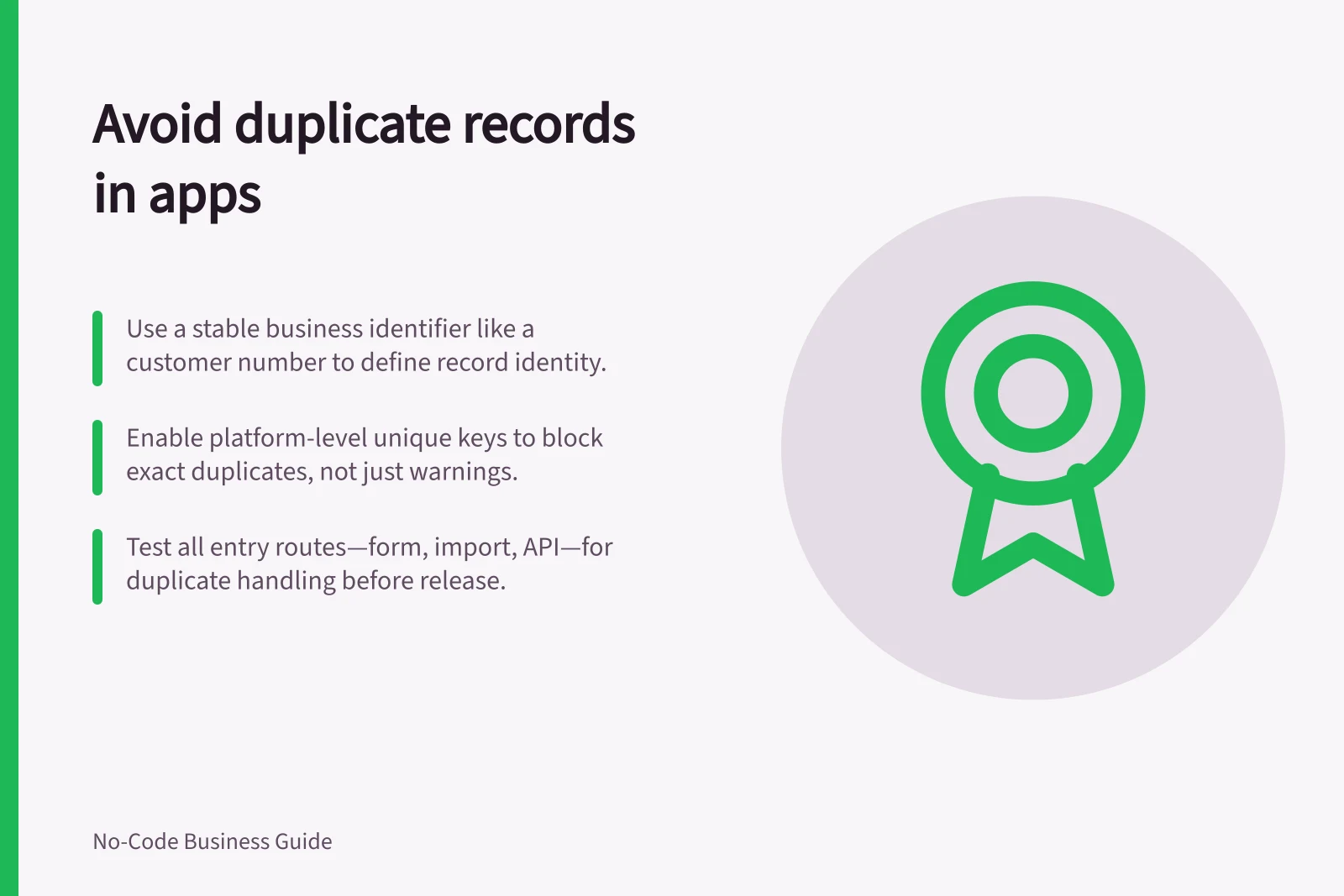
- Define the identity rule for recordsUse a stable business identifier (e.g. customer number) to determine if two records represent the same real-world item.
- Show warnings for possible matches at entryDisplay relevant fields and context to help users distinguish between legitimate records before saving.
- Enforce uniqueness with platform constraintsUse Dataverse alternate keys or database-level rules to prevent exact duplicates, especially where required by business policy.
- Check all creation routesApply the same logic to forms, imports, APIs, automations and offline sync to ensure consistency across all data entry points.
Key Facts on Duplicate Prevention in Power Apps
- Platform Support for Unique Keys
- Dataverse alternate keys enforce uniqueness on one or more columns.
- Limitation of Match-Code Detection
- Can allow duplicates during simultaneous record processing.
- Recommended Practice
- Combine warnings with enforced constraints for best results.
Define the identity rule first
Start with the table’s purpose. Two contacts can share a name; two requests can have the same description. Neither pair is necessarily a duplicate.
Write a rule staff can apply consistently: for example, an account may be identified by a stable customer number from an approved source. If no dependable identifier exists, treat the result as a possible match for human review rather than silently merging it.
Keep the app’s internal record ID separate from the business identifier. The internal ID lets links and relationships point to one row. A business identifier helps decide whether a new row represents something already held. If an external system creates the identifier, preserve its source and avoid casually editing it.
Combine a warning with a constraint
At entry, show possible matches before the user saves. Use fields relevant to the business rule and show enough context to distinguish two legitimate records. Give the user a clear choice to open the existing record or explain why a new one is needed. Avoid an automatic merge based only on a name or loosely matching text; different people and organisations can look alike.
For an identifier that truly must be unique, use a platform-supported unique key or equivalent data-level control. Dataverse alternate keys let integrations uniquely identify rows using one or more column values that represent a unique combination. Check the actual platform rule, including blank values, before relying on it.
A duplicate-detection warning is a separate mechanism. Microsoft documents that its match-code detection can still allow duplicates when records are processed at the same moment. A database-level uniqueness rule is therefore preferable when exact collisions must be rejected. The warning remains useful for uncertain matches that need a person’s judgement.
Warning vs. Constraint: When to Use Each
- Duplicate Detection WarningFlags potential matches for human review; useful for uncertain cases but may miss simultaneous submissions.
- Database-Level Uniqueness RulePrevents exact duplicates at the data level; more reliable than warnings for enforcing strict uniqueness.
Check every creation route
List all ways records arrive: app form, spreadsheet import, automation, API and any offline sync. Make the same identity decision for each route.
Where an import can match on an approved key and update an existing row, verify its mapping before running it; an incorrect match can overwrite a good record. Record which source supplied the value so staff can investigate disagreements later.
Before release, try a duplicate through the form and through each import route. Try two submissions close together, an empty key and a legitimate near match. Write down expected outcomes: reject, warn for review or create a separate record.
For existing duplicates, compare linked records and choose a surviving row with the data owner. Repoint relationships and check downstream reports before removing anything. Keep the original identifiers in the correction record so an old reference can still be traced. A regular queue of suspected duplicates is more useful than an occasional large clean-up.
Verify All Data Entry Routes Before Release
- Test form submissionsSubmit duplicate records via the app form to verify warning or rejection behaviour.
- Test spreadsheet importsImport records with matching identifiers to ensure correct update or reject logic.
- Test API and automation flowsValidate that duplicate detection applies consistently across integrations.
- Test edge casesTry empty keys, near-matches and rapid sequential submissions to check expected outcomes.