Data Modelling
Part of No-code calculations and business rules
Explaining a no-code formula to the next app owner
Document a no-code formula's purpose, inputs, update timing, exceptions and examples so the next app owner can explain it.
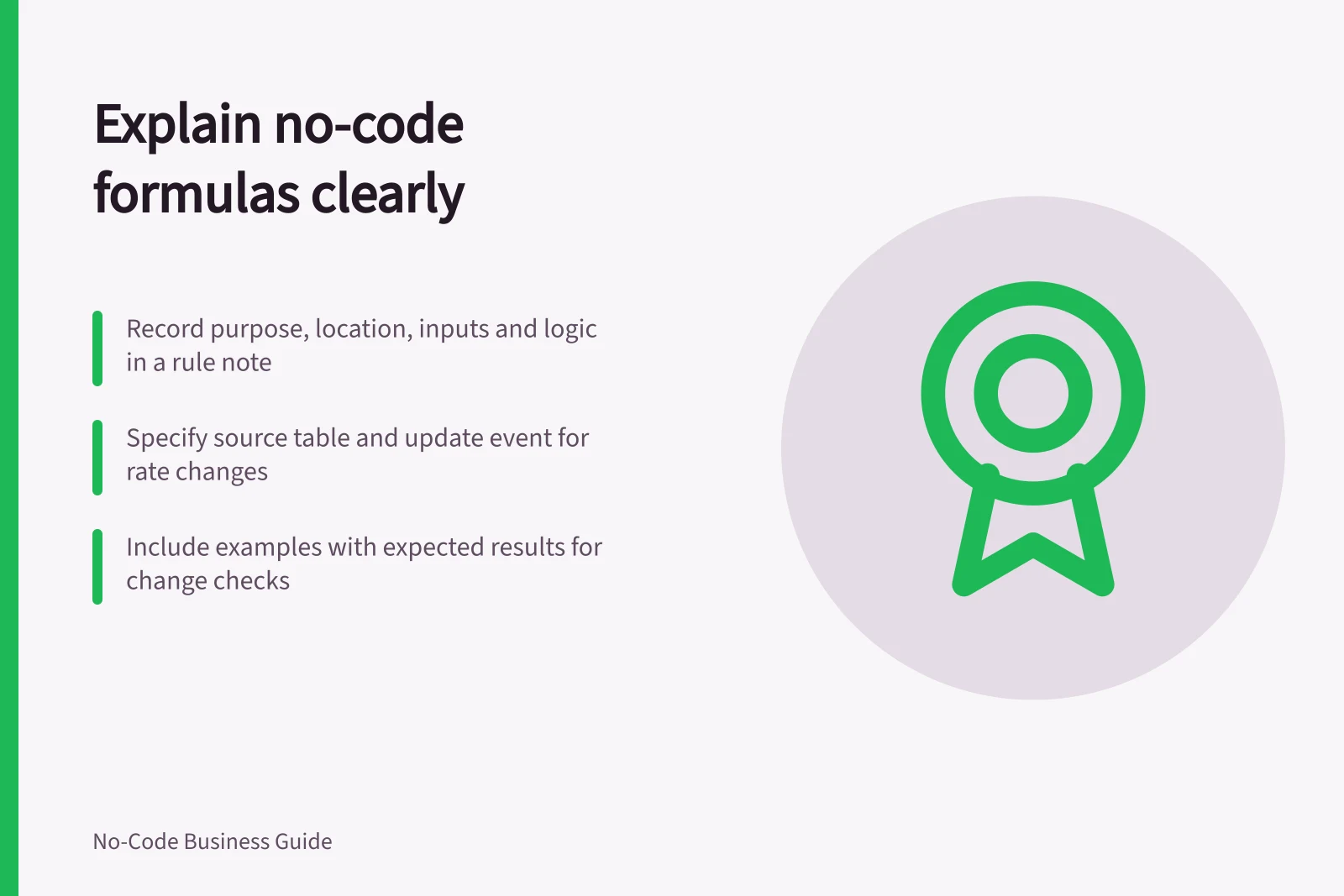
Leave the next app owner an explanation of the decision behind a formula, alongside the expression itself. They should be able to say what it calculates, where its inputs come from, when it updates and what an unusual result means. A short rule note beside the app configuration makes those answers easier to find.
Make a rule note
Record / What to write
- Purpose
- The question the result answers and who uses it
- Location
- App, table and field where the formula runs
- Inputs
- Source field, unit and whether blank is allowed
- Logic
- Plain-language steps and the actual expression
- Output
- Type, unit, display format and any decision that reads it
- Exceptions
- Treatment of blank, zero, invalid and negative inputs
- Rounding
- Precision and point in the calculation, if applicable
- Change record
- Business owner, approval route and effective date
- Examples
- A few inputs with expected answers and the rule version
For an illustrative estimate, the plain-language line might read: “Multiply recorded hours by the approved hourly rate, then add the fixed fee. Leave the estimate pending if hours are unknown.” Place the expression beneath it.
Identify the source and update event
If a rate comes from another table, name the table and identify the record that supplies it. State whether an existing estimate keeps its earlier rate or changes when that rate record changes. “Automatic” is too vague to explain when a result updates.
AppSheet documents app formulas, initial values and virtual columns as separate concepts, and they do not necessarily behave in the same way. Rather than assume, record which mechanism the app actually uses and check its behaviour against the current AppSheet documentation.
Give the owner a change check
Include an ordinary example, a boundary and a missing-input case with expected results. Name who can decide whether a changed result is correct.
For an edit, record the old and new rule, the reason and whether earlier records should be recalculated. Keep past decisions that must remain explainable connected to their inputs and rule version.
The handover should let another owner trace a displayed result to its rule and run the known examples after a change. This note covers the formula; access, backups and releases need their own operational records.