Data Modelling
Part of No-code calculations and business rules
Testing a calculated field with known examples
Build known-answer examples for a no-code calculated field, then compare results, displays and decisions after a change.
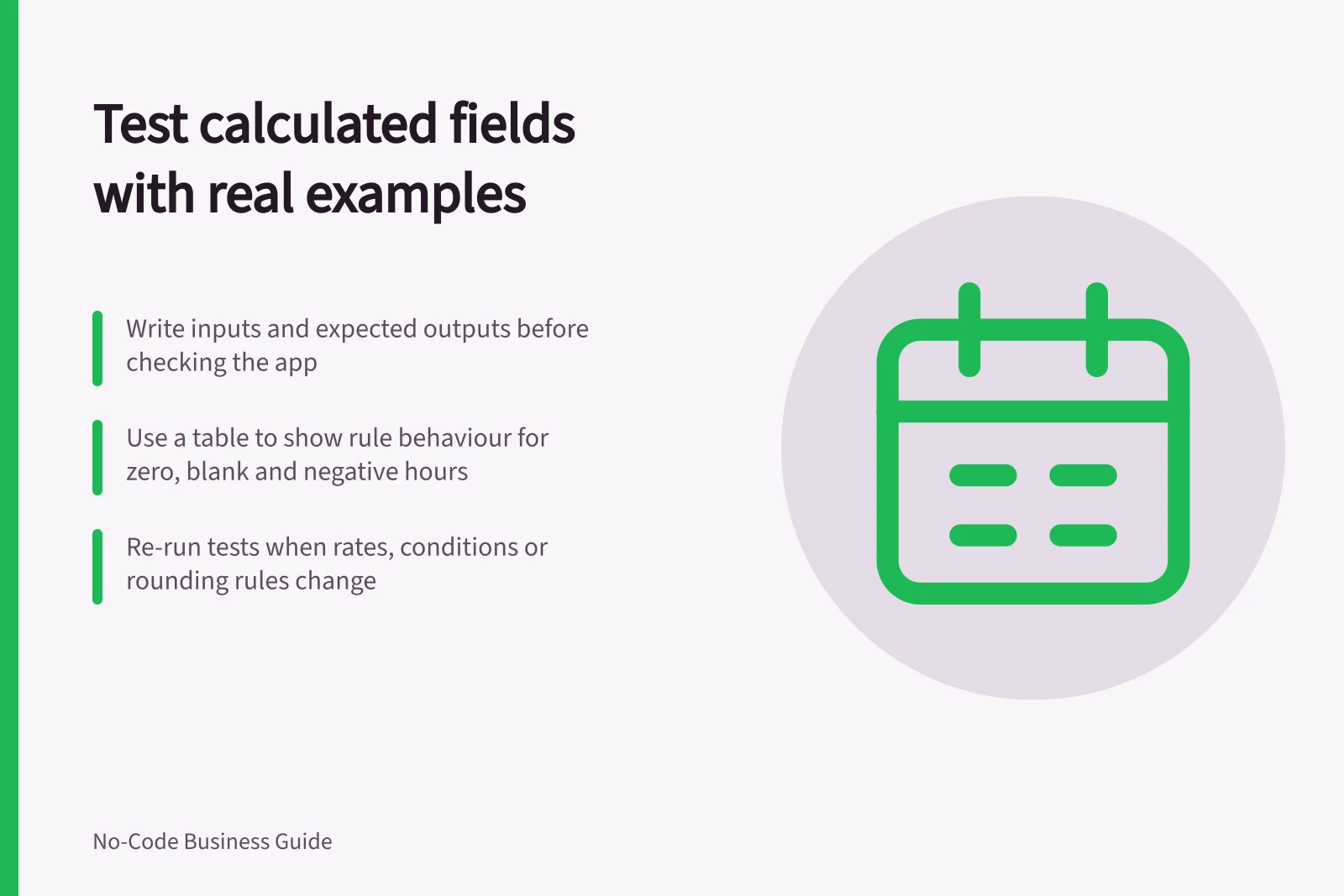
Write down inputs and expected outputs before checking the app's calculated field. Well-chosen examples expose a wrong field reference, condition or missing-value rule. They also give the next owner a repeatable check after a change.
Write the rule in plain language
Take an illustrative service estimate: multiply hours by the hourly rate, then add a fixed fee. The fee still applies when recorded hours are zero. If hours are unknown, the estimate remains pending; unknown hours are not treated as zero. This is an example specification, not a pricing recommendation.
| Hours | Rate | Fee | Expected result | Reason |
|---|---|---|---|---|
| 2.5 | 80 | 40 | 240 | 2.5 × 80 + 40 |
| 0 | 80 | 40 | 40 | Zero is known; the fee still applies |
| blank | 80 | 40 | Pending | Hours are unknown |
| −1 | 80 | 40 | Reject for correction | Negative hours are invalid under this example rule |
The table states desired behaviour; it does not report a test in a builder. Where a rule flags results only above a threshold, include examples below, equal to and above it. Record the expected flag as well as the number.
Key Test Cases for Service Estimate Calculation
- Blank Hours
- Pending
- Negative Hours
- Reject for correction
Compare the actual routes
Enter each case through the route staff use to create or update a record. Inspect the calculated value, its display and any decision that reads it. Save and reopen the record. If imports or automations change inputs, check those routes too.
Check your product's documentation and the route that recalculates the value; recalculation timing depends on the product and configuration.
Keep a useful result record
For each case, record the rule version, inputs, expected result, observed result and any difference. Add a test record ID when one exists.
A difference may point to the formula, input rule, display or expected example. Have the business owner settle which is wrong before changing the formula to make one example pass.
Re-run the examples when an input field, rate source, condition or rounding rule changes. Add a case for a defect found later. Keep the set small enough for someone to use and understand.