Forms
Adding validation before saving a record
Define form rules, show useful errors and check which save paths enforce validation in a no-code app.

Archive
Forms
Define form rules, show useful errors and check which save paths enforce validation in a no-code app.
Permissions
Set clear rules for request routing, named responsibility, reassignment and cover when an owner is unavailable.
Data Modelling
Find conflicting copies of a fact, give current values one owner and distinguish linked displays from historical snapshots.
Maintenance
Choose and verify a recoverable copy of app records, files and configuration before a major no-code update.
Forms
A customer portal gives a customer a controlled view of their own information and a place to complete a specific task.
Platform Choice
Plan an internal request app from submission to closure, with clear responsibility, useful status updates and a recorded outcome.
Data Modelling
Plan an internal no-code app around one task, clear records, access rules, practical checks and ongoing ownership.
Platform Choice
Check records, attachments, relationships and app logic before choosing a no-code platform. See what common export routes leave behind.
Forms
Check real tasks across narrow and wide no-code app layouts, including zoom, errors, device previews and saved results.
Platform Choice
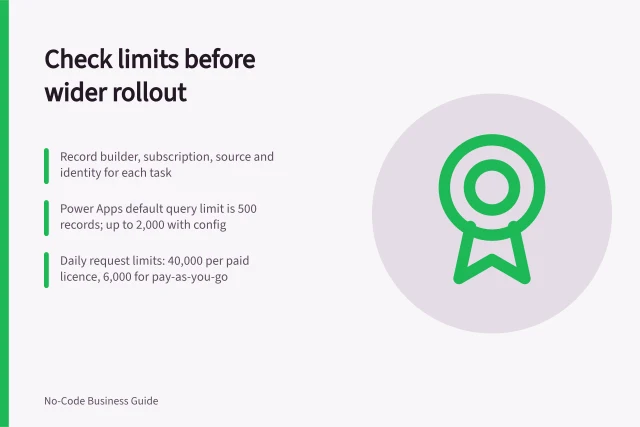
Build a plan-specific register for records, queries, requests, workload and data delivery before inviting more users.
Platform Choice
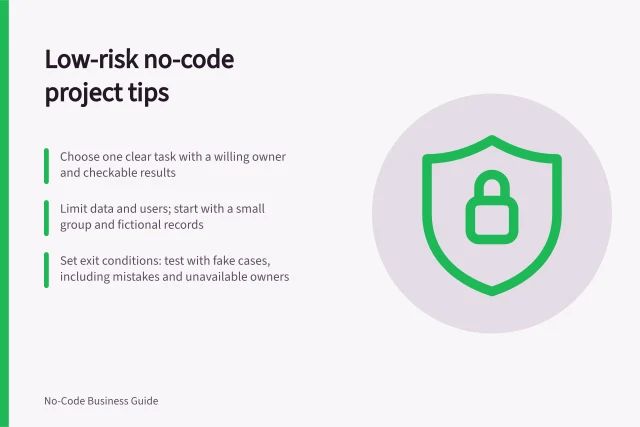
Use clear consequences, ownership, a small release and a recovery route to choose a sensible first no-code project.
Data Modelling
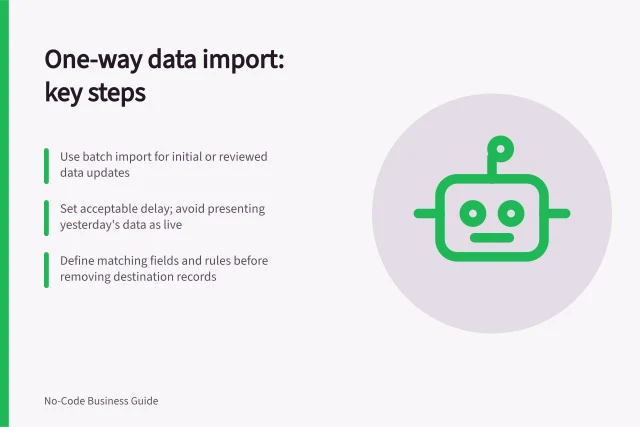
Decide when a batch import or one-way feed is enough, and check matching, removal and product limits before adding two-way sync.
Data Modelling
Decide what one row represents and how to connect records with one-to-many, many-to-many or self-referencing relationships.
Permissions
Choosing what a customer should be able to see: a practical guide to the key decisions and checks.
Forms
A document upload in a customer portal should identify who submitted the file, which case it belongs to and what happens next.
Integrations
Define an approved API action, arrange its credential and owner, map the needed data, and check access for intended users.
Forms
Organise an internal app around frequent tasks, clear destinations and predictable routes after record actions.
Forms
Plan the selection, prepare recovery, test a sample and verify every bulk edit against the expected records and values.
Forms
Write practical user scenarios with roles, starting conditions and expected outcomes so a no-code app can be checked before rollout.
Integrations
Use a measured requirement, a narrow extension boundary and a support owner to decide whether a no-code app needs custom code.
Data Modelling
Choose a stable row key, keep it distinct from a business identifier and plan how imports and relationships use it.
Forms
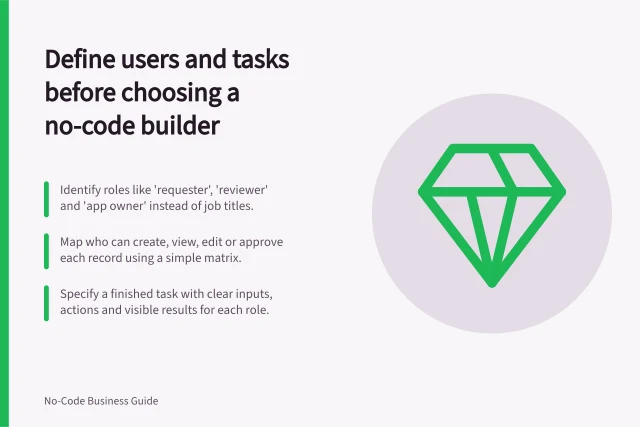
Create a short task brief covering users, permissions, records, exceptions and a result to check before choosing a builder.
Data Modelling
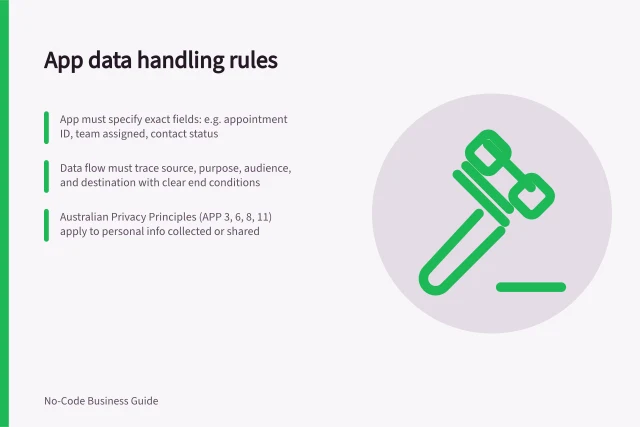
Set a field-level data boundary for a no-code app, including sources, permitted actions, destinations and review triggers.
Forms
Choose form fields, order and instructions from what a user knows and needs to finish at the moment of entry.
Forms
Choose request categories that help triage, ask submitters for facts they can know and provide a route for cases that do not fit.
Data Modelling
Document a no-code formula's purpose, inputs, update timing, exceptions and examples so the next app owner can explain it.
Forms
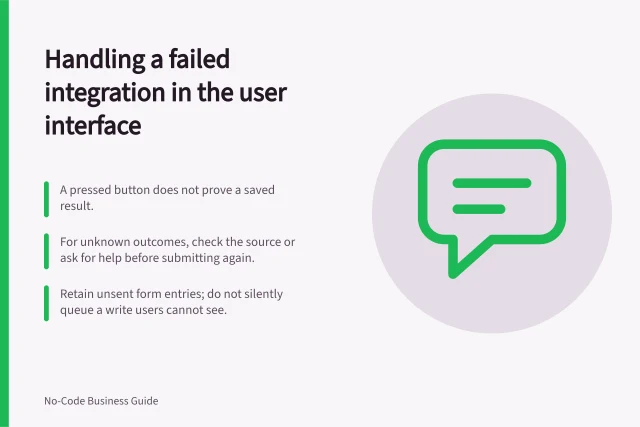
Show users whether an integrated action succeeded, failed or remains uncertain, while preserving work and giving a safe next step.
Data Modelling
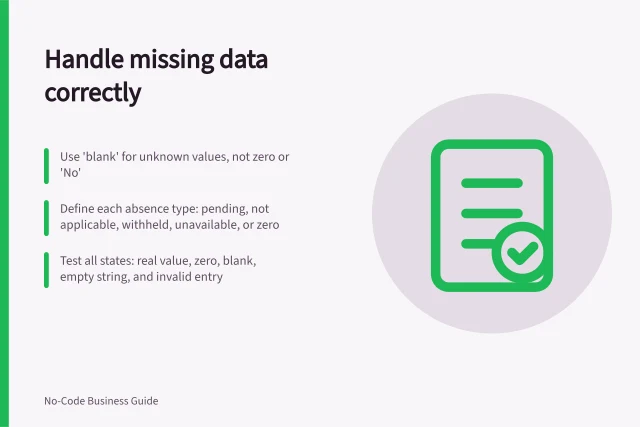
Keep unknown, zero and not applicable values distinct. Set requirements at the right step and make missing data clear in forms and reports.
Data Modelling
Choose the rounding point, precision and function for a no-code calculation, then check item totals, ties and negative values.
Maintenance
Trace a slow no-code page, recognise repeated requests and check whether a focused change improves the complete task.
Maintenance
Choose which record changes to track, capture who changed what and why, and check the limits of native revision and audit history.
Maintenance
Build a useful register of internal no-code apps, reconcile it with builder inventories and turn gaps into owner decisions.
Permissions
Map app tasks to API permissions, distinguish user and unattended access, protect credentials and check that excess actions are denied.
Integrations
Choose between imports, one-way feeds and API actions for a no-code app, then plan data ownership, access and failure handling.
Permissions
Plan who can open a no-code app, see records, change data and maintain it. Map each grant, then check the configured data route.
Maintenance
Plan practical no-code app checks for user tasks, saved data, invalid input, access and layouts before a wider rollout.
Integrations
Decide when staff need an app, when an automated transfer is enough, and when one workflow needs both.
Data Modelling
Define no-code calculations and business rules, including inputs, missing values, rounding, checks and ownership.
Platform Choice
Map no-code app costs across access, data, activity, plugins and maintenance, then assess the dependencies and exit effort behind the bill.
Data Modelling
Plan the records, relationships and field ownership for a no-code app before building screens or importing data.
Data Modelling
Improve no-code database quality with clear field rules, duplicate controls, honest missing values, safer bulk edits and useful change history.
Maintenance
Plan no-code app releases, protect live data, check published changes and assign ongoing ownership.
Forms
Plan no-code forms, record views and navigation around entry, clear feedback and the next action.
Maintenance
Set practical ownership, data, production review and retirement rules for internally built no-code apps.
Maintenance
Assess a no-code app’s speed and capacity through real tasks, complete results, data access and the limits of its configured platform.
Platform Choice
Choose a no-code platform by checking workflow fit, data sources, user access, portability and the plan needed to run your app.
Maintenance
Establish app ownership, data access and connection continuity when a no-code app creator leaves.
Maintenance
Define what must work after a move, inventory data and app logic, inspect export limits, and rehearse a controlled cutover.
Data Modelling
Define record identity, warn on possible matches, enforce exact uniqueness where supported and check forms, imports and automations.
Permissions
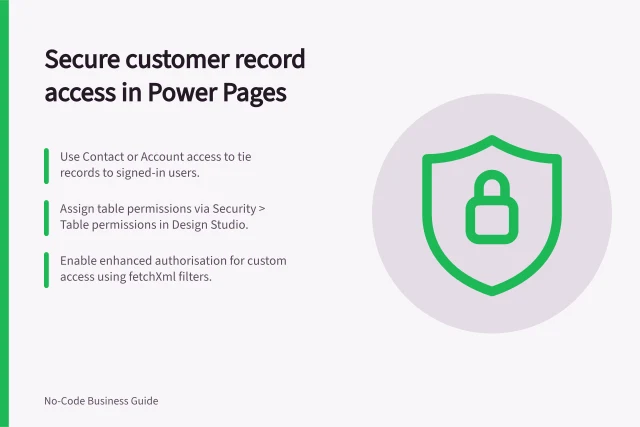
Cross-customer access is a portal failure even if it occurs only through a guessed address or export.
Maintenance
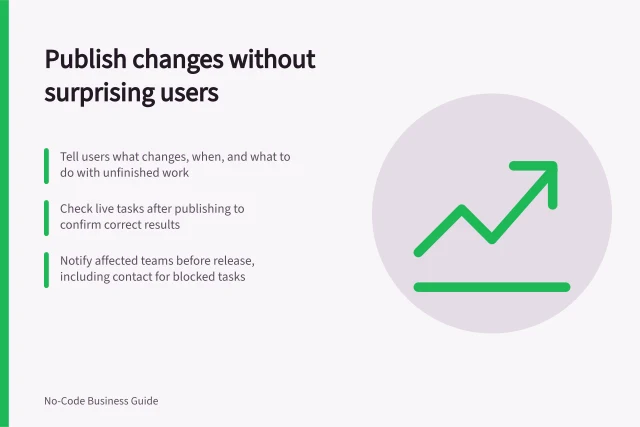
Give users clear notice, account for pending work and check the live result after a no-code app change.
Data Modelling
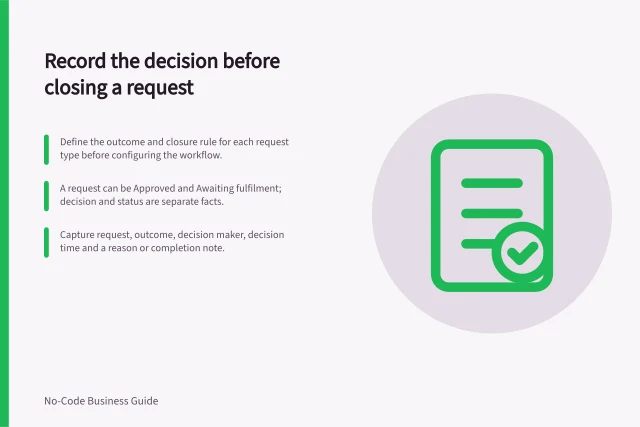
Define request closure, capture the outcome and decision maker, and keep a correction path for a request closed in error.
Maintenance
Write useful no-code app defect reports with starting conditions, exact steps, expected and actual results, safe evidence and verification.
Permissions
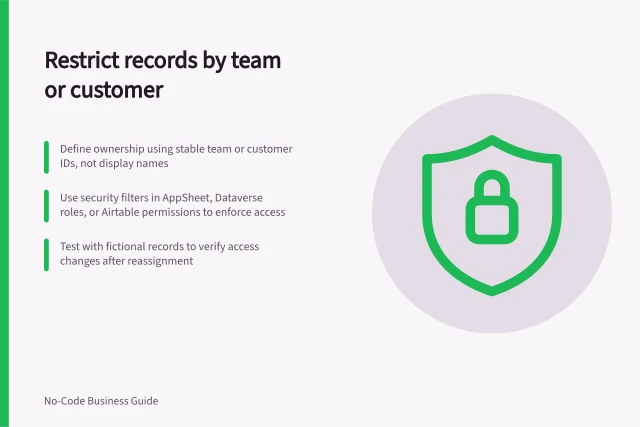
Define team or customer record ownership, choose an enforcement point and check access after reassignment.
Maintenance
Compare real tasks, move open work and required history, cut over new submissions and retire a duplicate no-code app.
Permissions
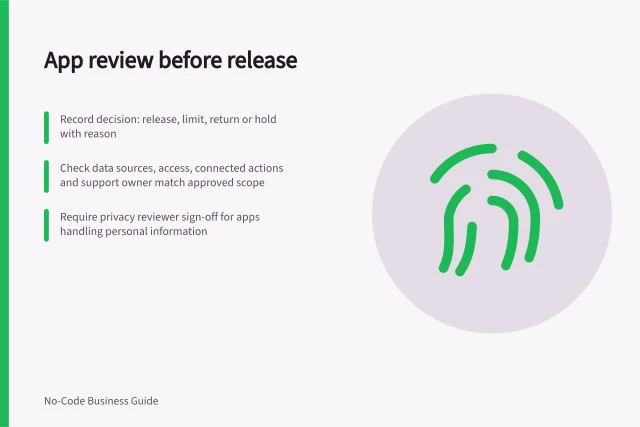
Use a release brief, evidence table and decision record to review staff-built apps before colleagues rely on them.
Integrations
Inventory paid plugins, trace the tasks that use them, check billing and support, and plan a safe response to an update or failure.
Maintenance
Check app copies, data sources and connections so no-code testing does not change live work.
Data Modelling
Keep numeric results, decision values and screen labels distinct so formatting does not silently change a no-code business rule.
Permissions
Define what viewers, editors and administrators may do in a no-code app, then match those duties to app and data-source permissions.
Forms
Give request submitters a clear status and next action while distinguishing current, queued and uncertain updates.
Data Modelling
Build known-answer examples for a no-code calculated field, then compare results, displays and decisions after a change.
Platform Choice
Use a no-code trial to check a real task, saved records, user permissions, exceptions and plan limits before selecting a platform.
Maintenance
Prepare representative records, measure essential tasks and check complete results as a no-code app’s data grows.
Forms
Check how a no-code app handles blanks, invalid values, error messages and saved records across the write routes people use.
Permissions
Check permitted and denied actions using an ordinary no-code app account, fictional records and the actual data route.
Permissions
Closing a customer account should end the access it no longer justifies, including old sessions, shared links and downloadable files.